Store SEO Toolkit adds the store side of SEO to WooCommerce: title and description templates, rich product data, indexing rules for shop pages, image alt text, category content and an audit.
Requirements
- WordPress 6.8 or newer
- WooCommerce 10.0 or newer
- PHP 7.4 or newer
- Works with classic and block themes, High-Performance Order Storage.
- Works with Yoast SEO, Rank Math, All in One SEO and SEOPress.
Installation
- Download
store-seo-toolkit.zipfrom My account > Downloads. - In WordPress, go to Plugins > Add New Plugin > Upload Plugin, choose the zip file and click Install Now.
- Click Activate. Settings are under Products > Store SEO. Each product has a Store SEO box, and each category has its fields on the edit screen.
Quick start
- Go to Products > Store SEO. The notice at the top says whether an SEO plugin was found.
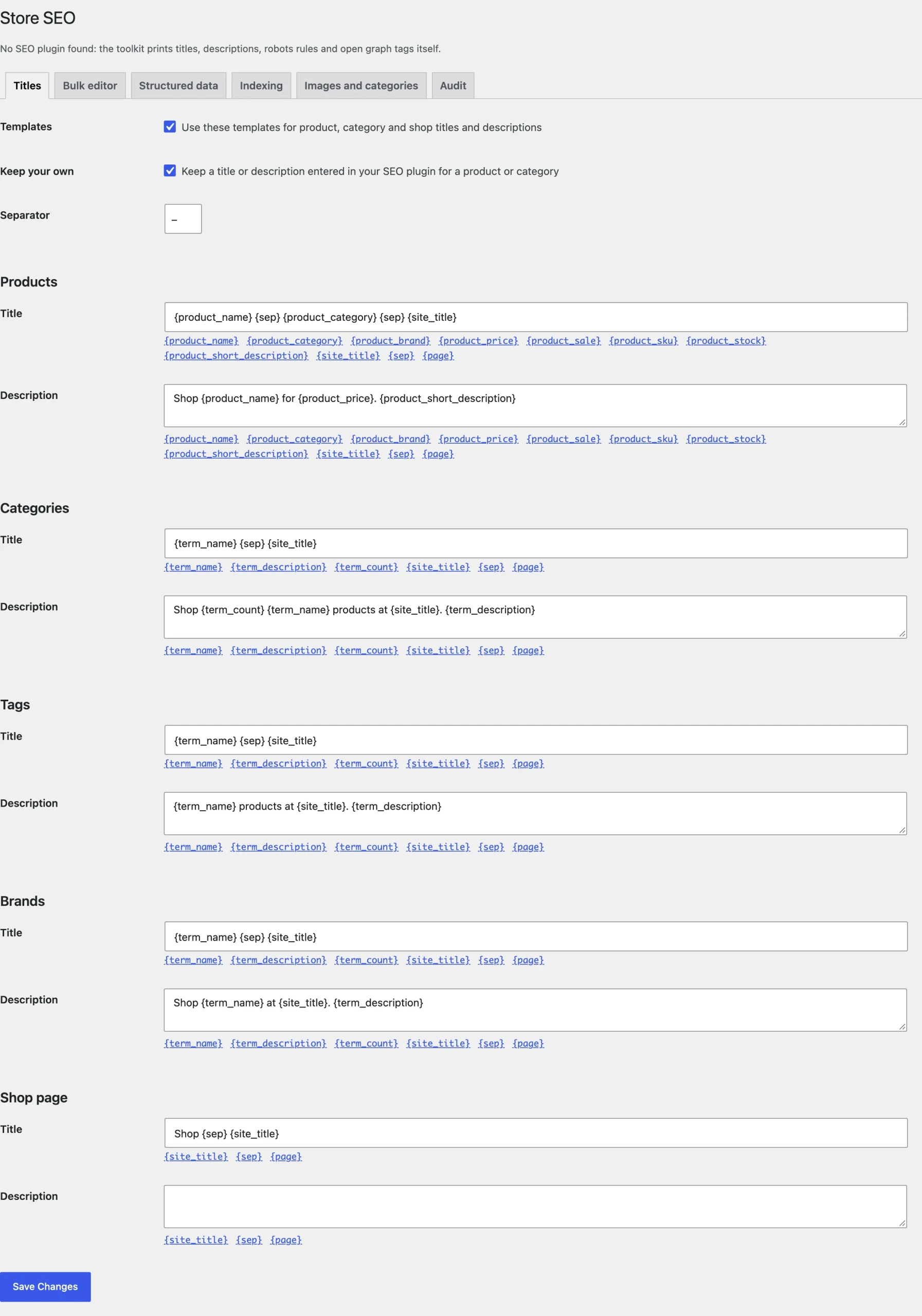
- Check the title and description templates on the Titles tab.
- Fill in the brand and shipping details on the Structured data tab.
- Run the audit on the Audit tab and fix the products it lists.
Titles and descriptions
Templates use variables such as {product_name}, {product_category}, {product_brand}, {product_price} and {site_title}. With Keep your own on, titles and descriptions already entered in your SEO plugin win.
Bulk editor
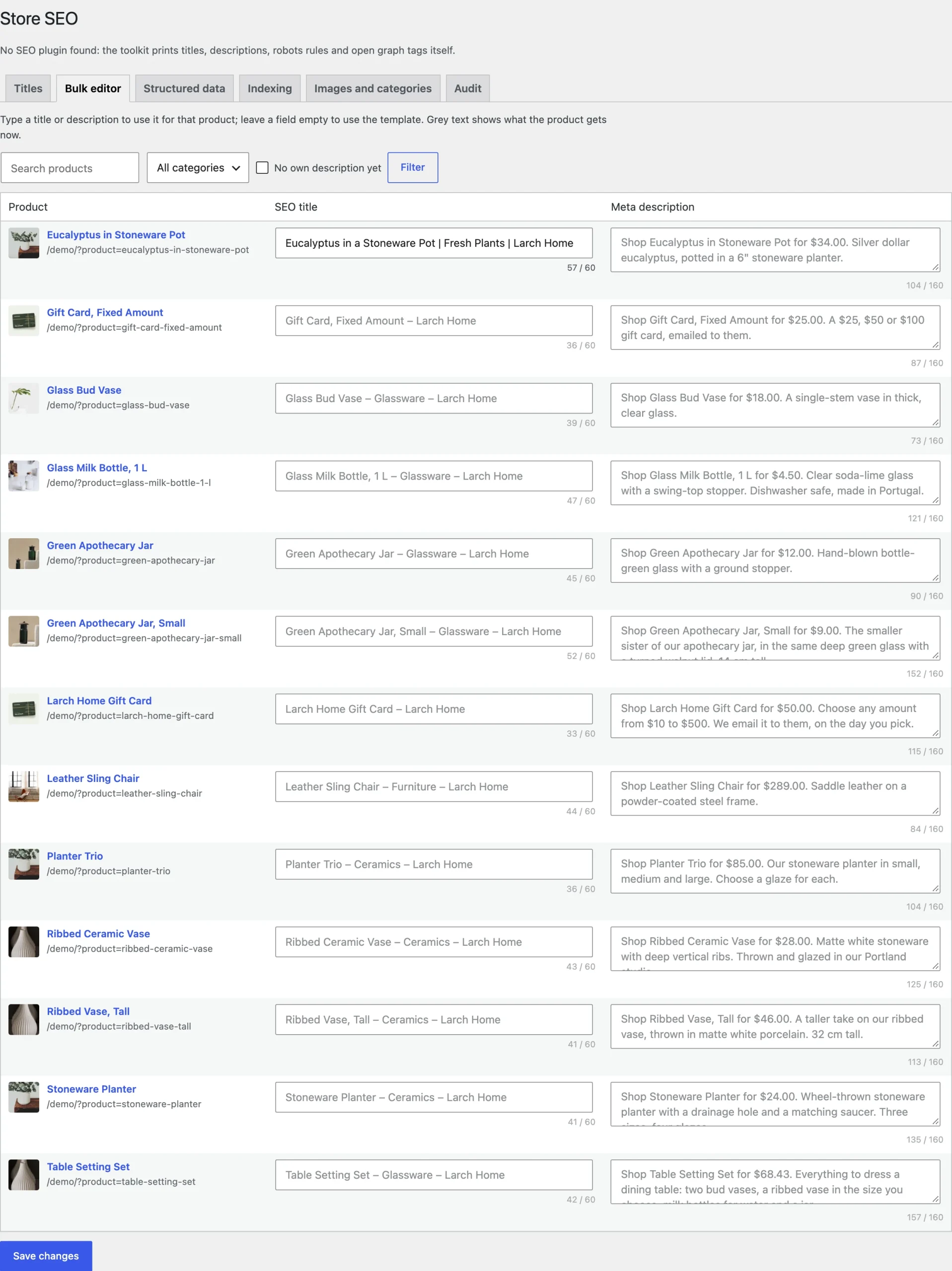
The Bulk editor lists products with their title and description. Filter by category or by products missing one, type, and the changes save.
Structured data
Choose where the brand comes from (WooCommerce brands, an attribute, or the store itself), the condition, and whether each variation gets its own offer. Add shipping countries, cost, free shipping threshold and delivery times, and your return window and method.
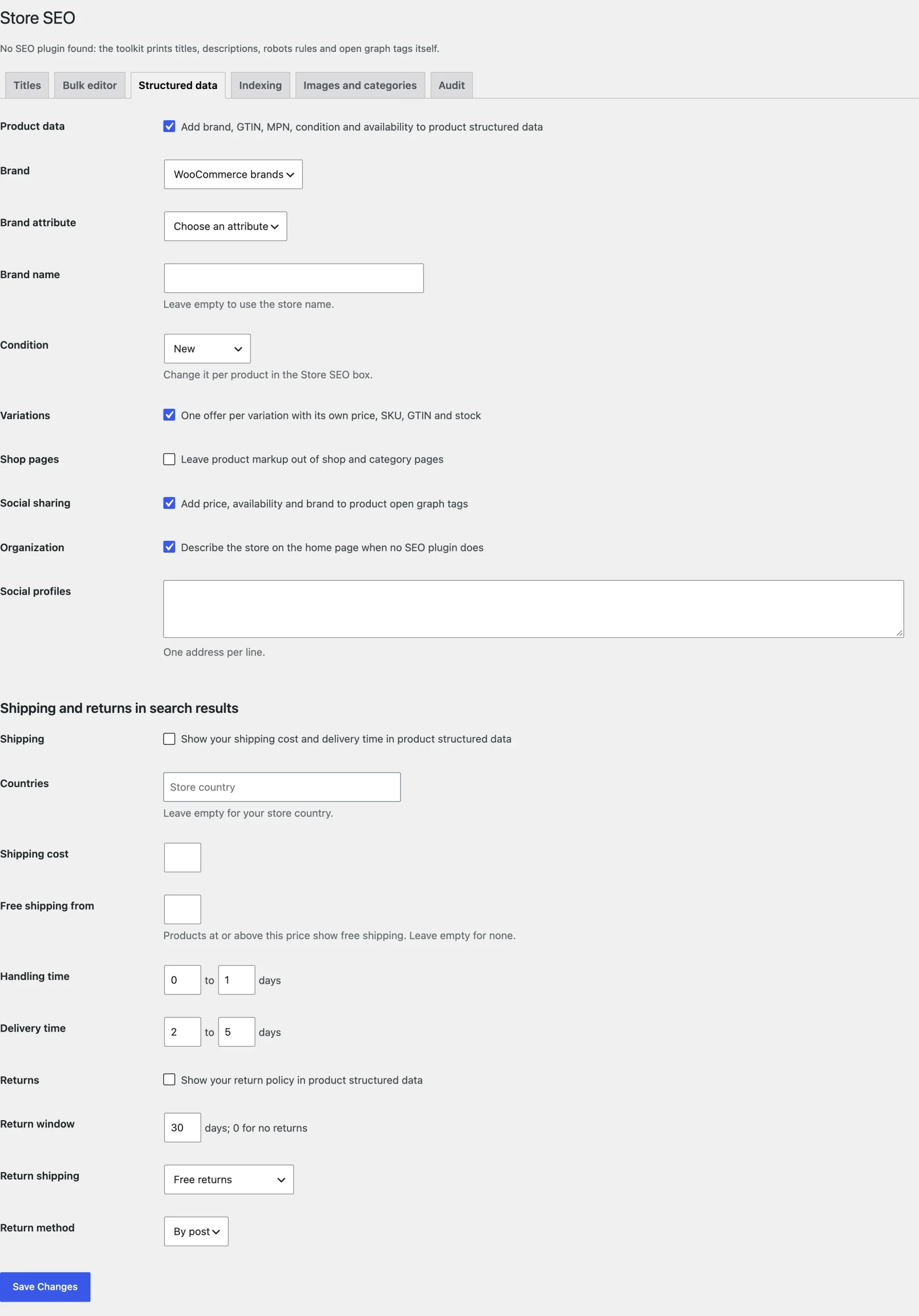
The toolkit adds to WooCommerce’s own product structured data, so it works the same with or without an SEO plugin.
Indexing
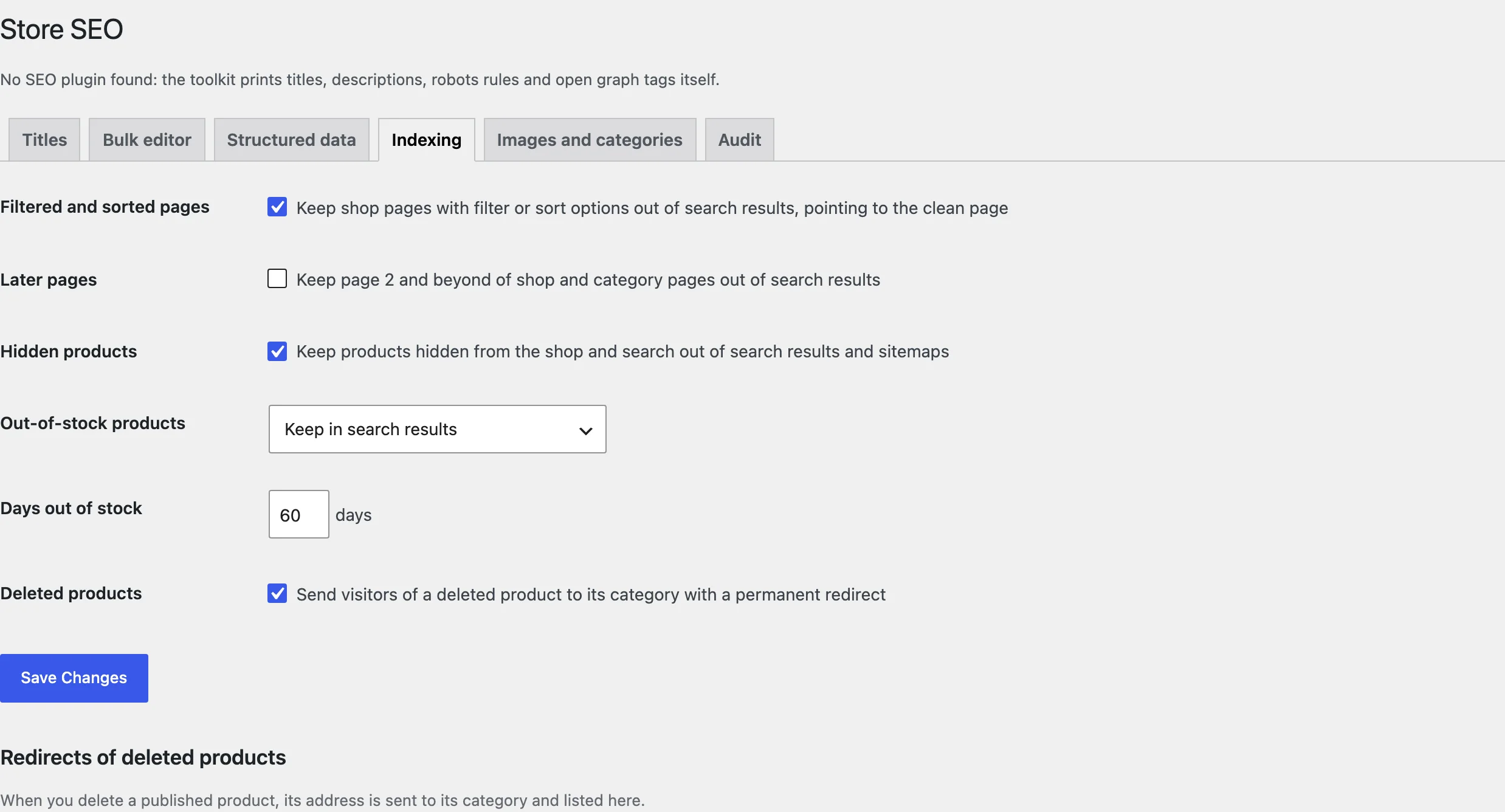
Choose how filtered and sorted pages, later pages of listings, hidden products, out-of-stock products, and deleted or discontinued products are handled.
Category content
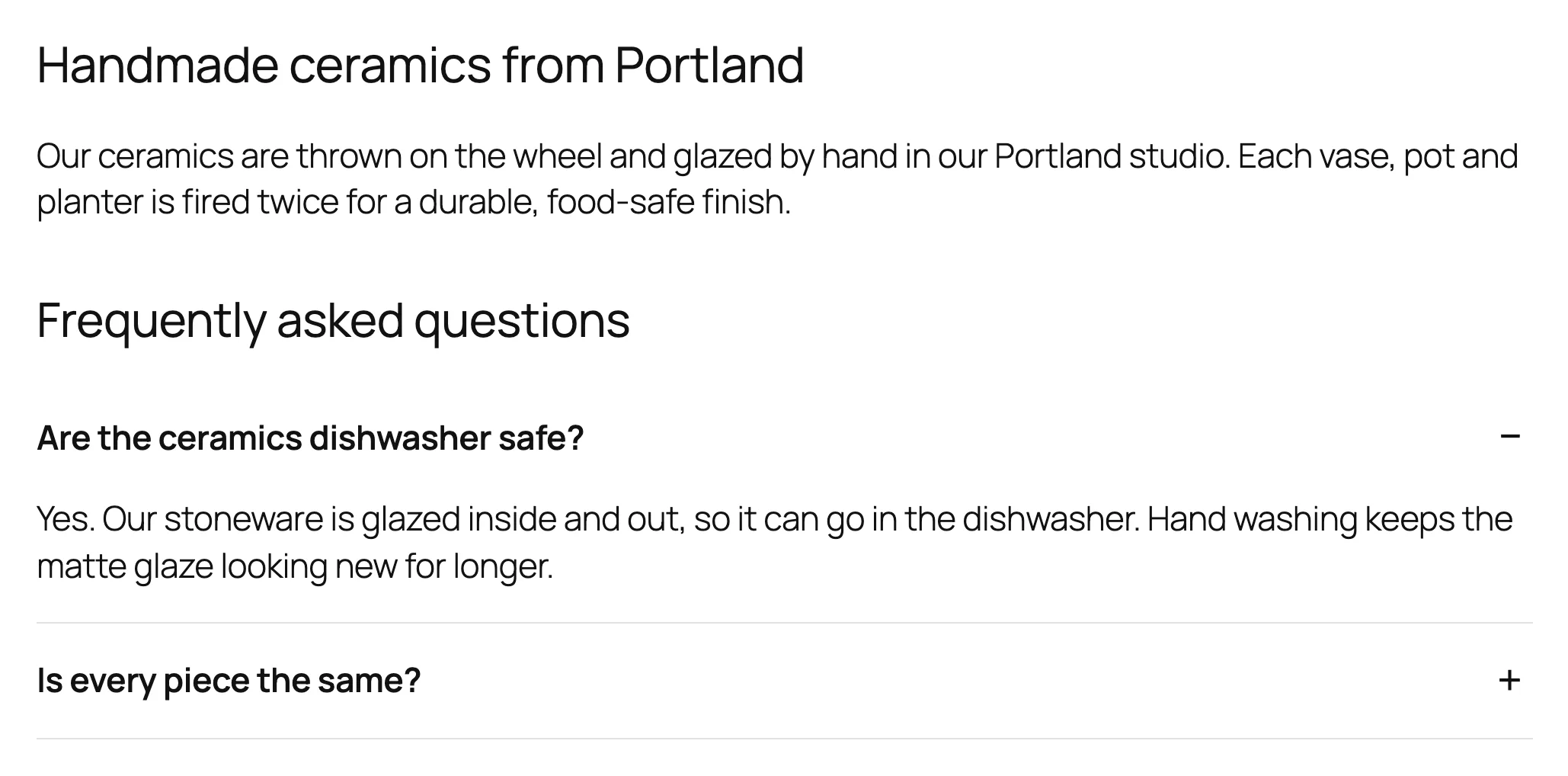
On a category’s edit screen, add a description shown below the products and questions with answers. They show under the products, with FAQ structured data.
Audit
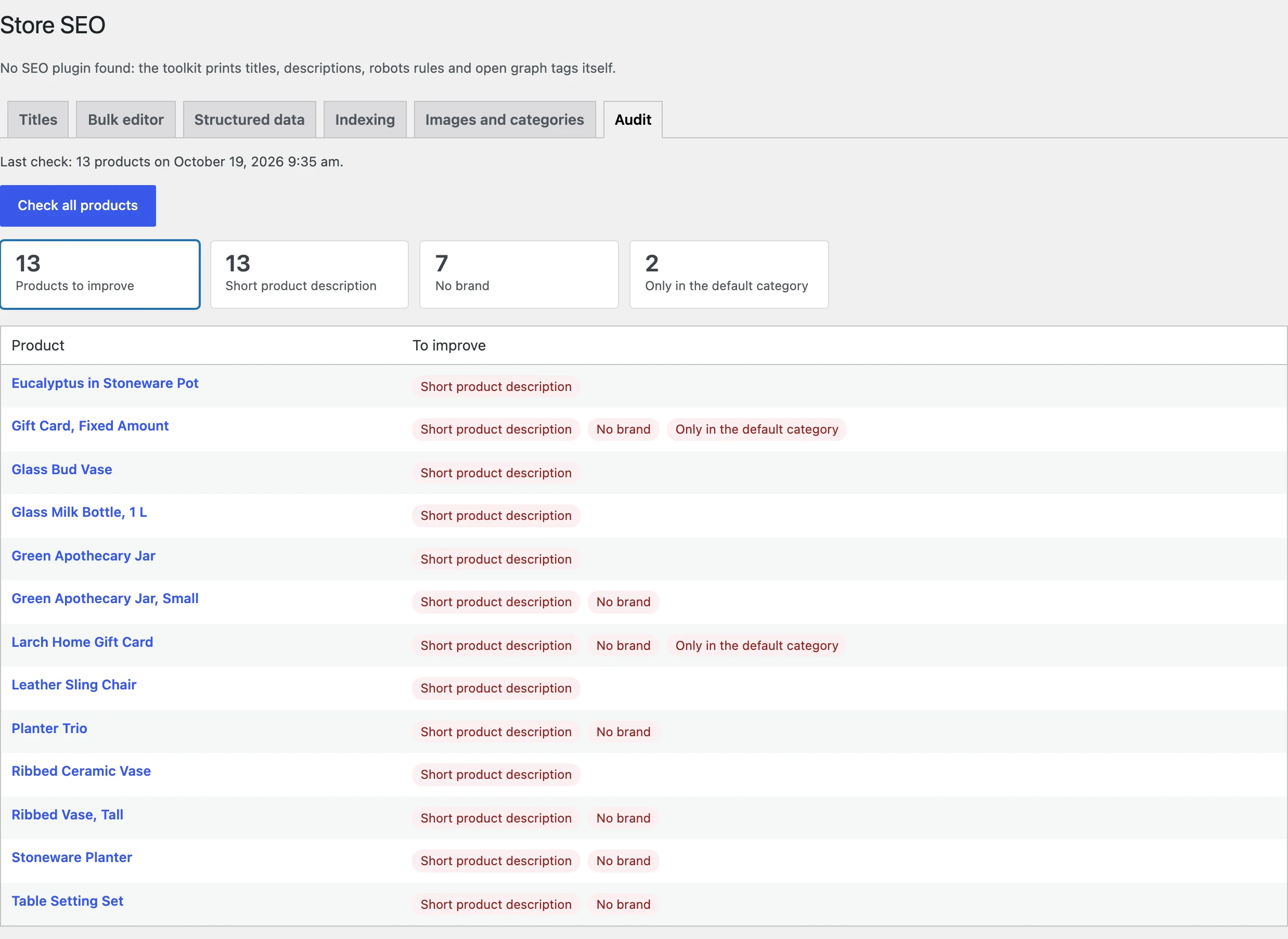
Click Check all products to scan the catalog. The audit lists how many products have each problem and which ones, with a link to each.
Settings
| Setting | What it does |
|---|---|
| Templates, Separator | Title and description templates and the separator. |
| Keep your own | Keep titles and descriptions entered in your SEO plugin. |
| Brand, Condition, Variations | Product structured data. |
| Shipping, Returns | Shipping and return details for merchant listings. |
| Social sharing, Organization | Open graph tags and organization details. |
| Filtered and sorted pages, Later pages | Keep them out of search results. |
| Hidden products, Out-of-stock products, Deleted products | Indexing and redirects for these products. |
| Alt text, Title text | Templates for image alt and title text. |
| Category content | Text and FAQs below category products. |
| GTIN check | Include missing GTINs in the audit. |
| Remove data | Delete the settings when the plugin is deleted. |
For developers
| Hook | Use |
|---|---|
ssts_product_schema | The product structured data before it is printed. |
ssts_audit_issues | The problems found for a product. |
ssts_admin_capability | The capability needed to change the settings. |
Frequently asked questions
How do I improve WooCommerce SEO?
Give every product a good title and description (templates and the bulk editor), add brand, GTIN and shipping data, keep filtered pages out of the index, and fix what the audit lists.
Does it work with Yoast SEO on the product page?
Yes. Yoast keeps handling posts and pages; the toolkit fills product titles and descriptions from templates and extends the product markup.
Why are my filtered pages not in Google?
Filtered and sorted pages are kept out of search results on purpose, so they don’t compete with your categories.
Changelog
1.0.0 · October 19, 2026
- Title and description templates, per-product fields and a bulk editor.
- Product structured data with brand, GTIN, MPN, offers per variation, shipping and returns.
- Indexing rules for filtered, hidden, out-of-stock, deleted and discontinued products.
- Image alt text, category content with FAQs, and an SEO audit.