 Maxima Plugins
Description
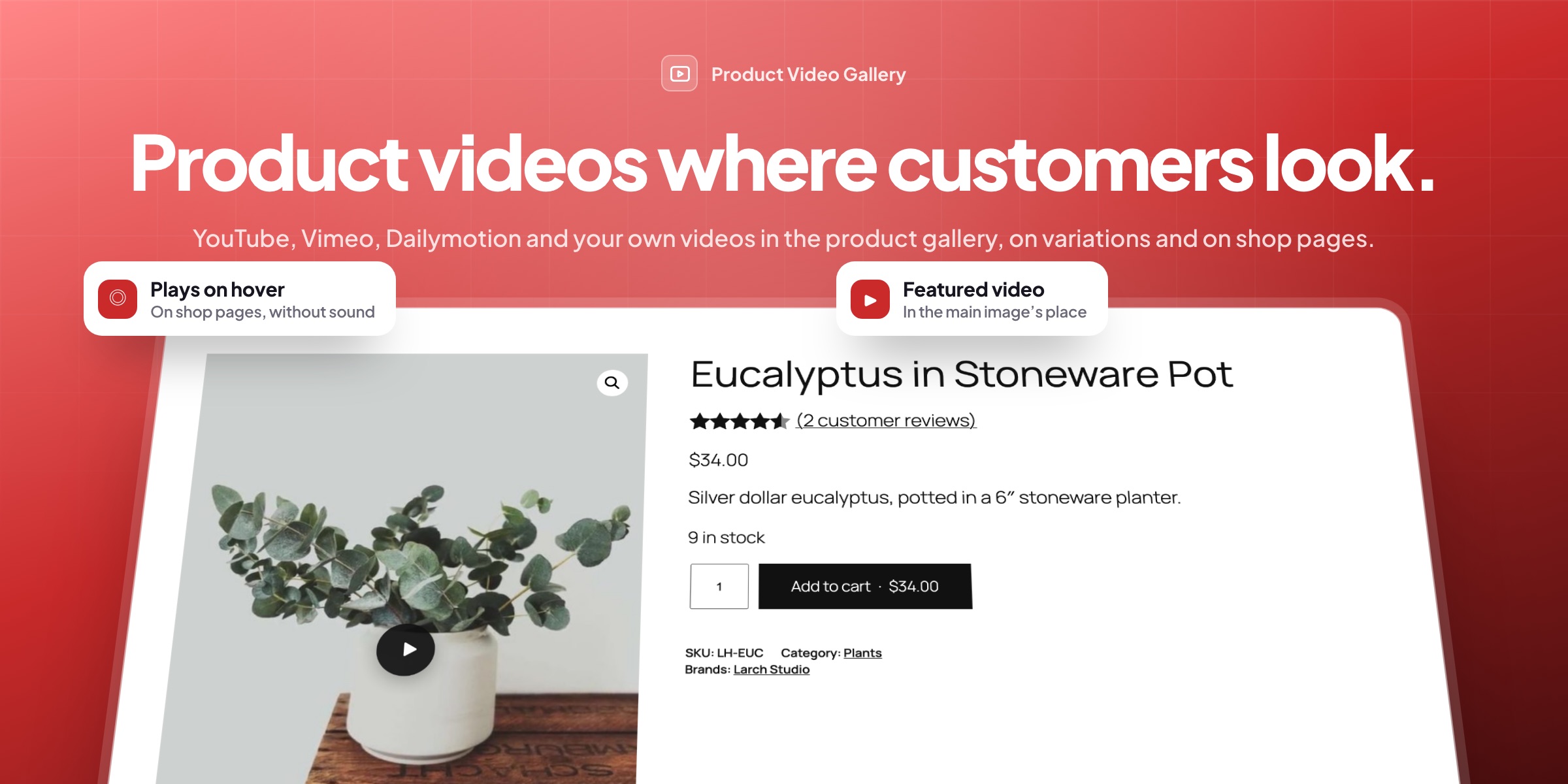
Product Video Gallery adds YouTube, Vimeo, Dailymotion and your own video files to the WooCommerce product gallery, next to your photos. Customers swipe between photos and videos and open them full screen, and you can lead with a featured video.
🎬 YouTube, Vimeo, Dailymotion and files, each a slide with its own thumbnail and play badge.
⭐ A featured video: first, after the main image or at the end, per product or for the store.
🎨 A video for each variation that plays on the main image when it’s chosen.
🛍️ A play button on shop cards, with a popup that has sound and controls.
👀 Silent previews on hover, and a play button on phones.
🔗 Paste a link or choose a file: thumbnails and titles are copied for you.
🖥️ Videos in the lightbox too, together with the photos.
⚡ Players load only on play, so pages stay fast.

Product gallery
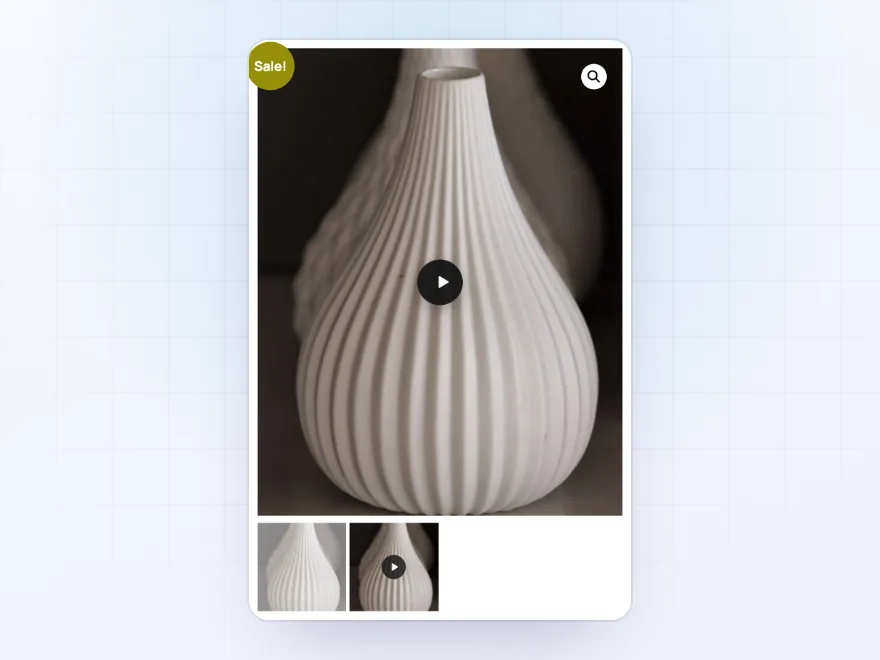
Videos next to your photos
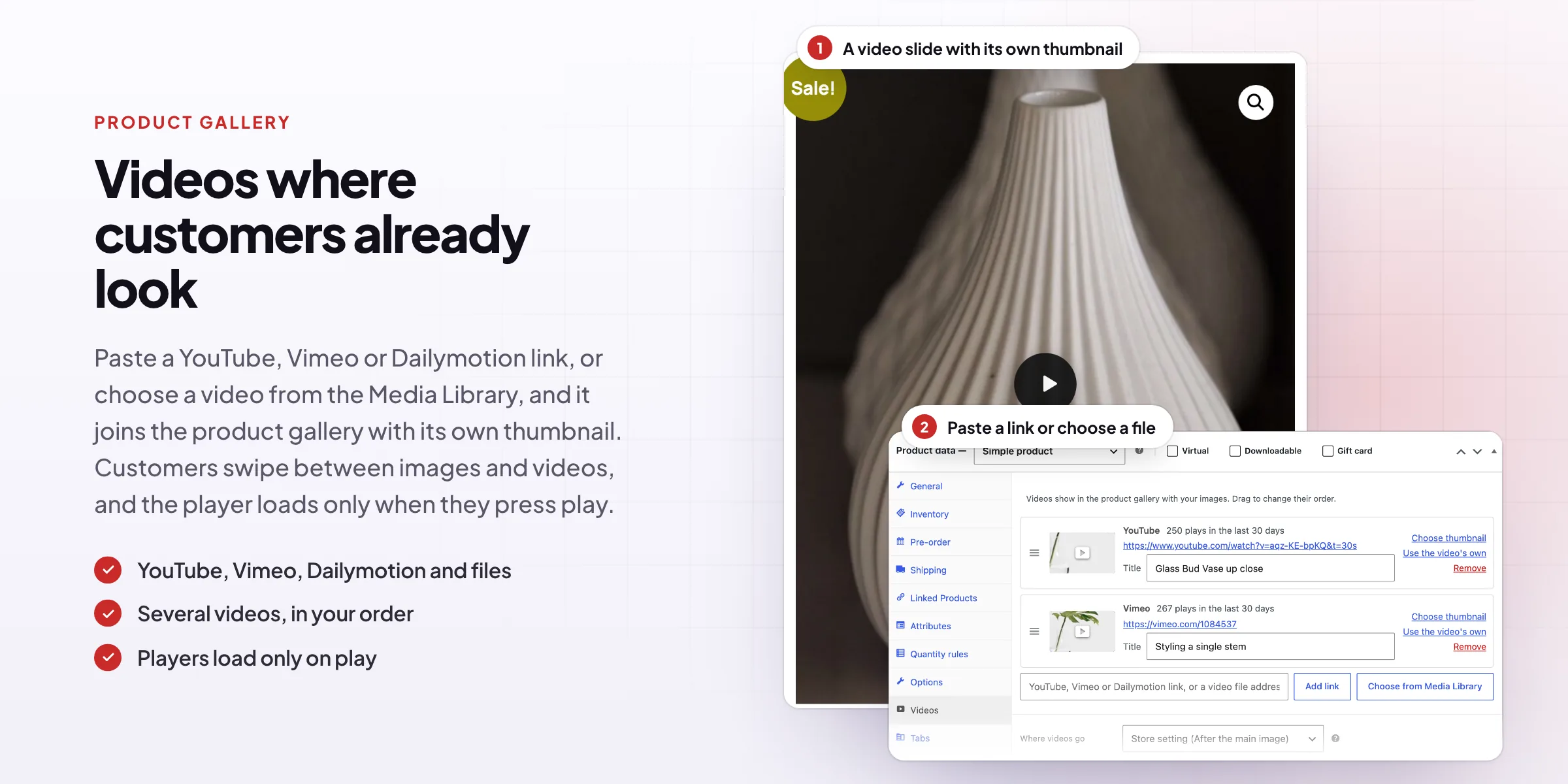
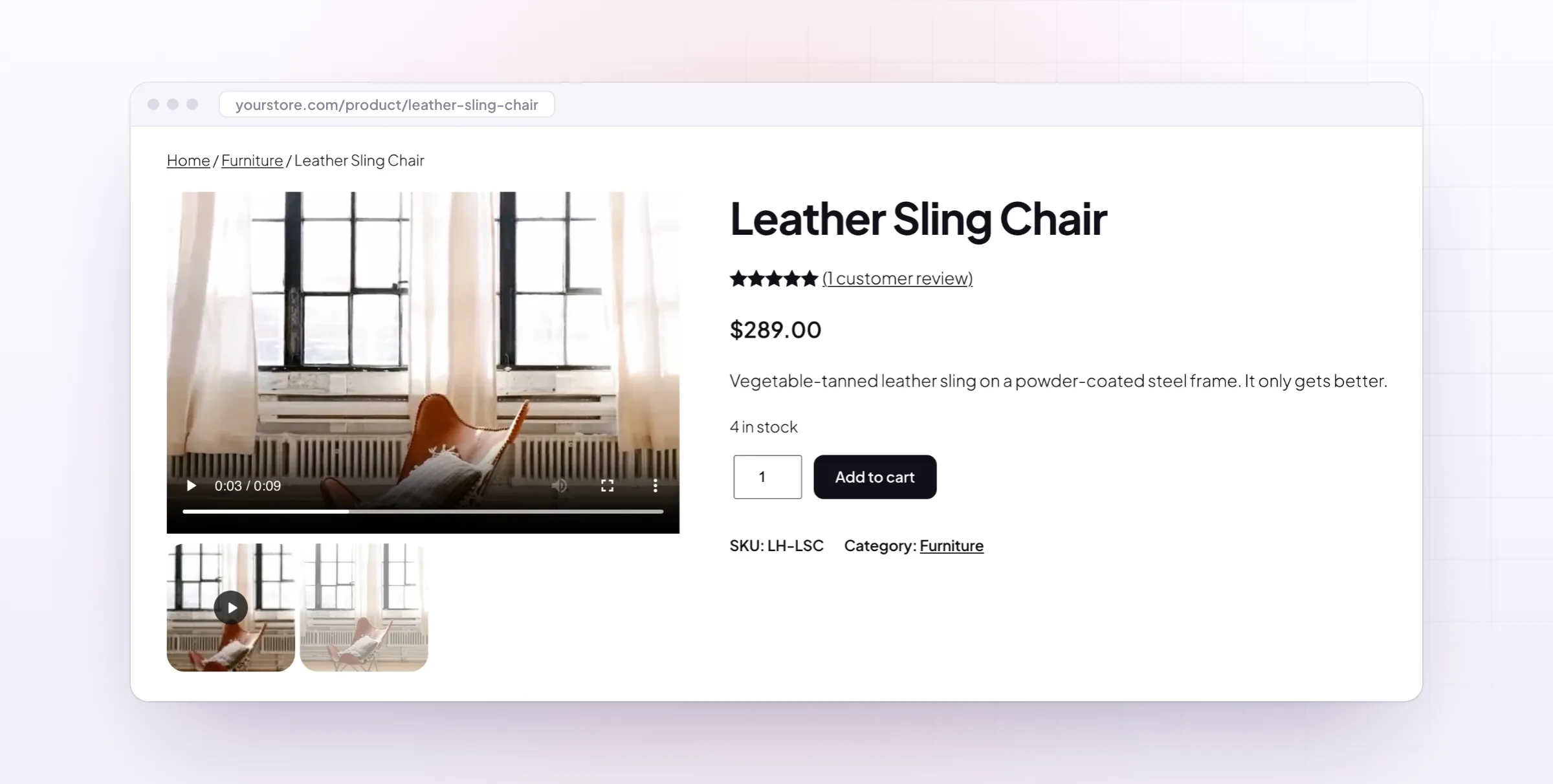
Paste a link or choose a file, and the video joins the product gallery as a slide with its own thumbnail and a play badge. The player loads only when a customer presses play, so product pages stay fast.
- YouTube, Vimeo, Dailymotion and files
- A thumbnail with a play badge
- Players load only on play
Featured video
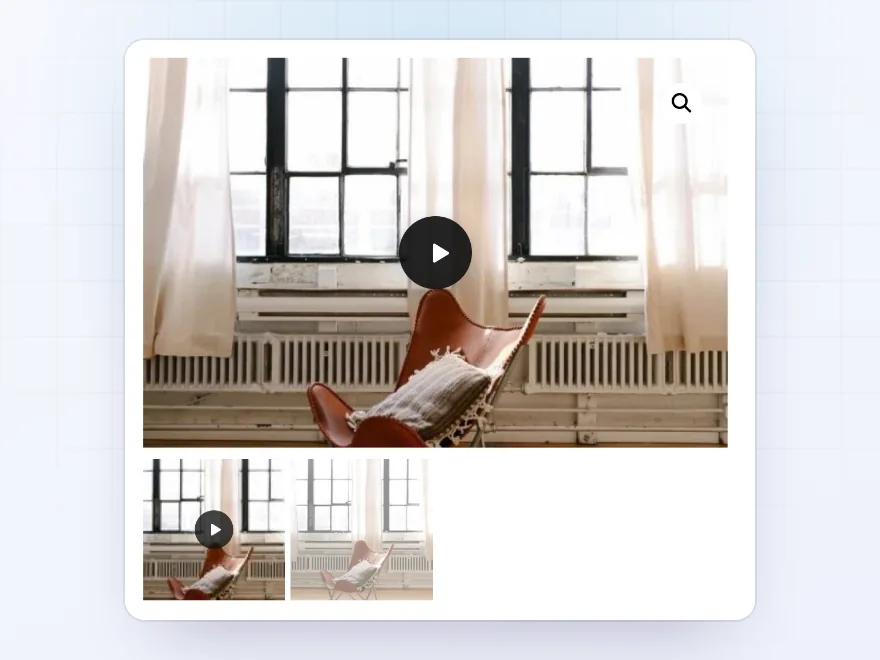
Lead with the video
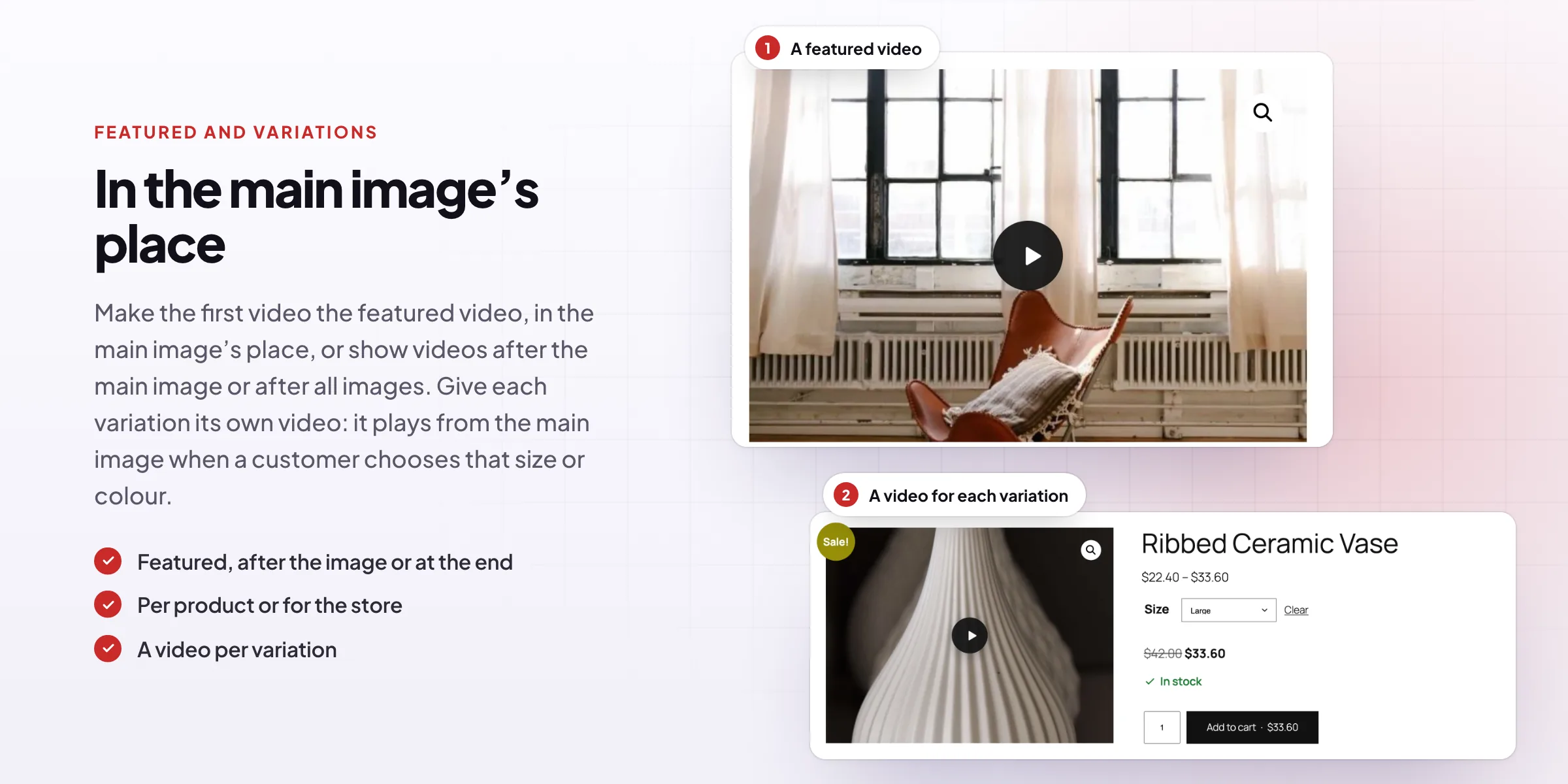
Show the first video before the main image, after it, or after all images, for the whole store or for one product. With a featured video, the main image moves to second place, so customers still see the photo.
- First, after the image or at the end
- Per product or for the store
- The photo stays in the gallery
Variations
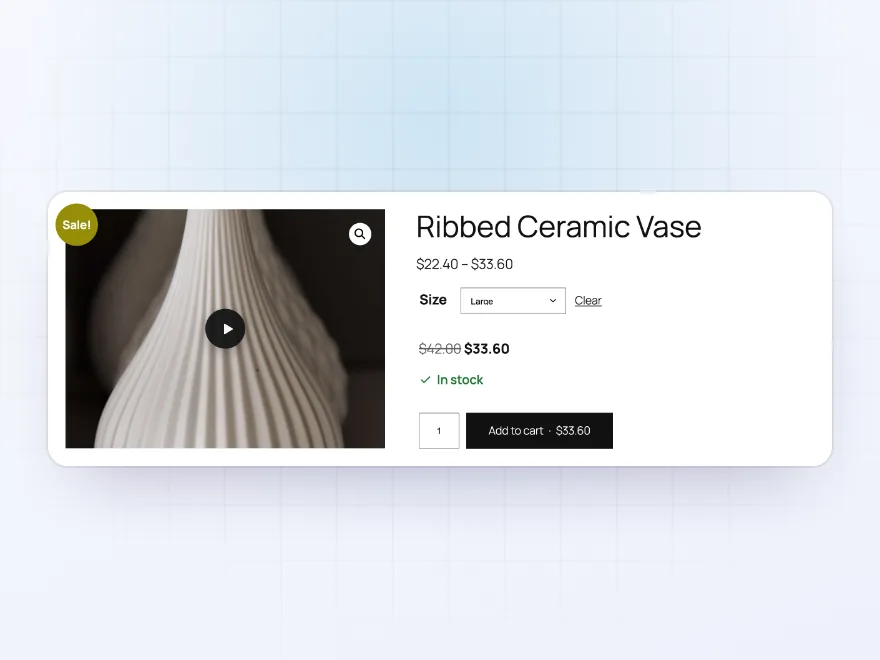
A video for each variation
Give a variation its own video. When a customer chooses that size or colour, a play button appears on the main image and the video plays there.
- One video per variation
- Plays on the main image
- Gone when the choice is cleared
Shop pages
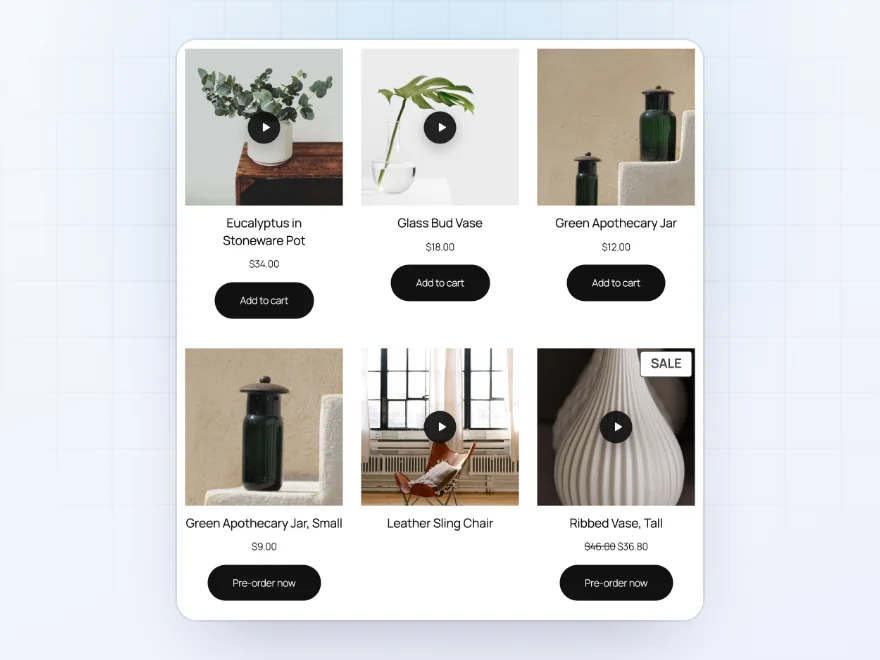
A play button on shop cards
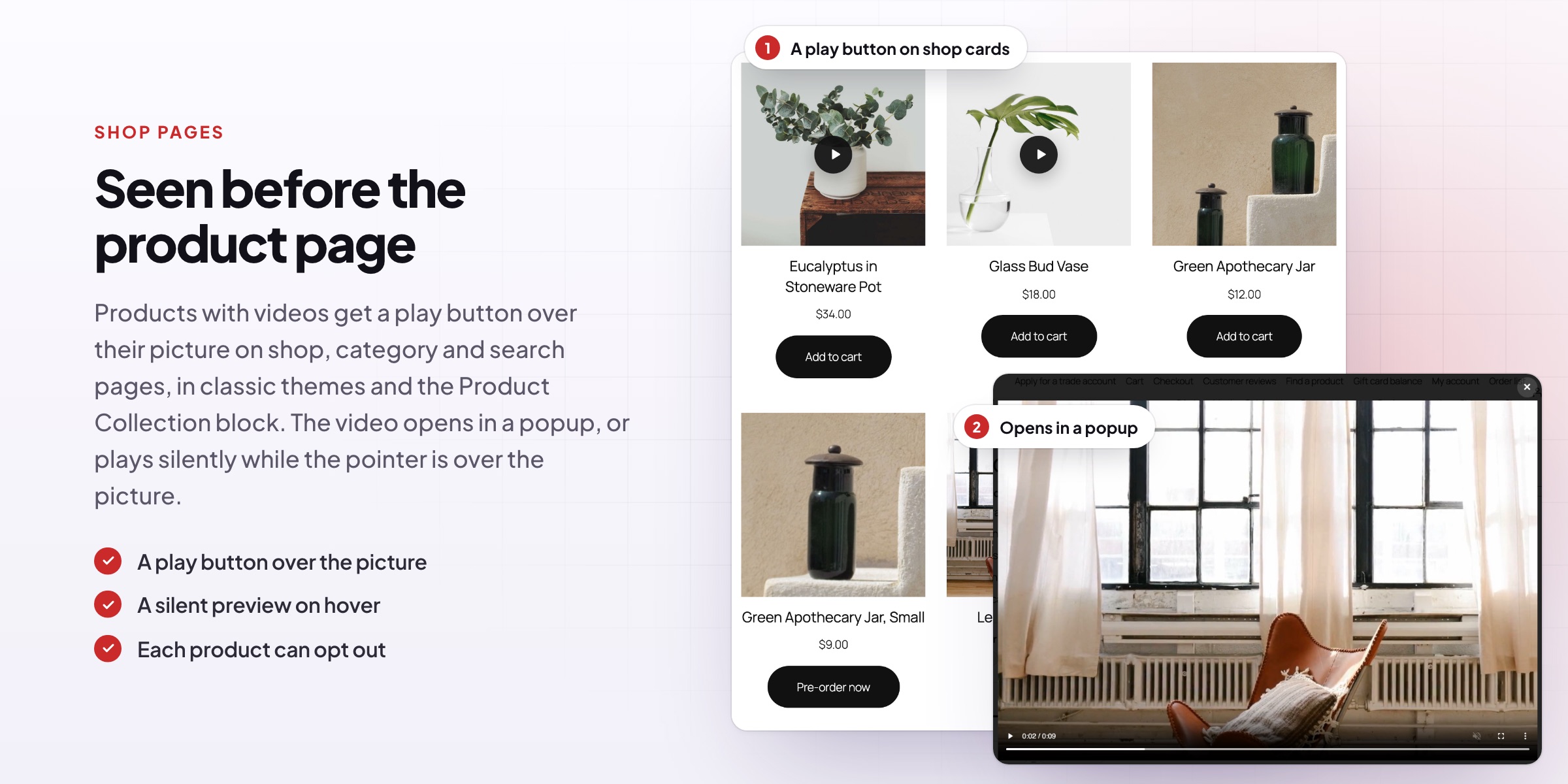
Products with videos get a play button over their picture on shop, category and search pages. The video opens in a popup with sound and controls, in classic themes and in the Product Collection block.
- Shop, category and search pages
- A popup with sound and controls
- Classic themes and blocks
Hover previews
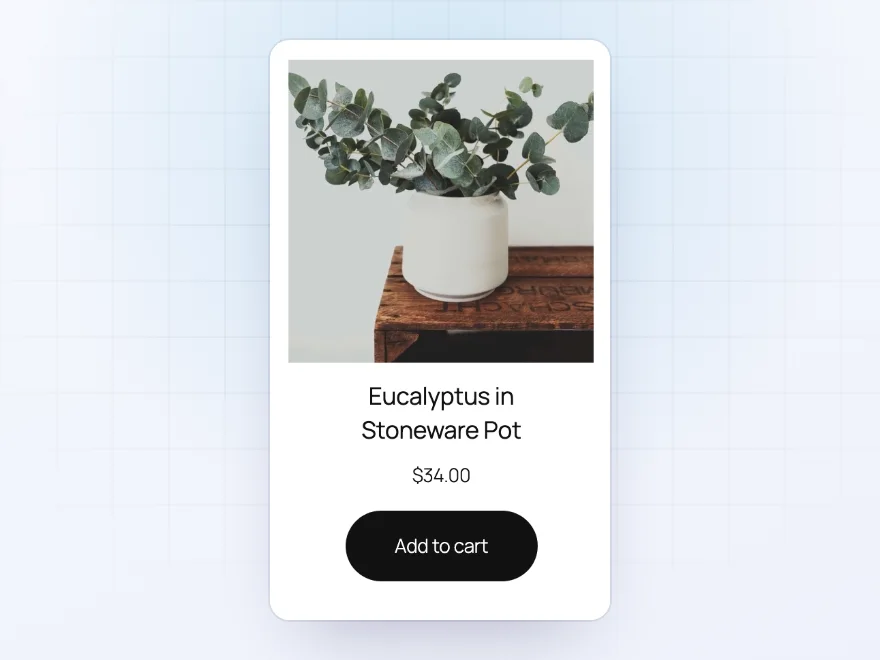
A silent preview on hover
Or play the video without sound while the pointer is over the picture, and stop it when the pointer leaves. On phones, the play button opens the popup instead.
- Plays without sound
- Stops when the pointer leaves
- A play button on phones
Adding videos
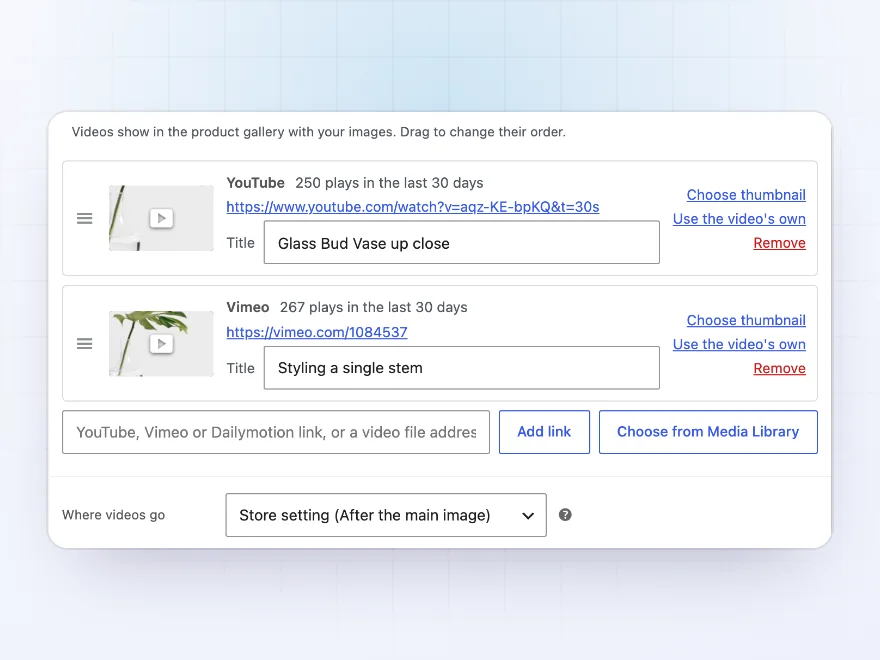
Paste a link or choose a file
Each product has a Videos tab. Paste a YouTube, Vimeo or Dailymotion link, or choose MP4, WebM or MOV files from the Media Library. Thumbnails and titles are copied from the video site, and you drag videos into order.
- Links or Media Library files
- Thumbnails and titles copied for you
- Drag to change the order
Full screen
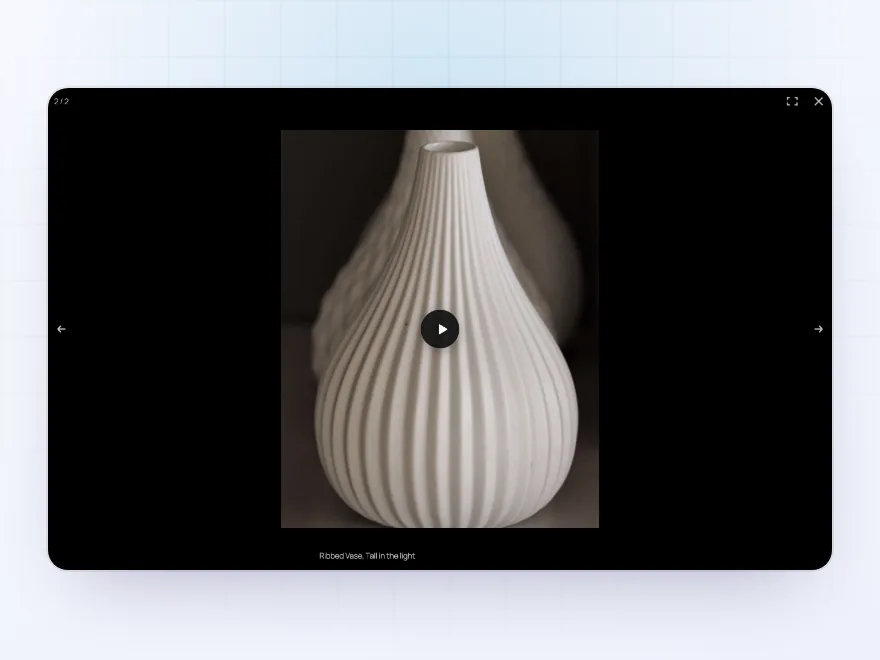
Videos in the lightbox too
The magnifier opens WooCommerce’s full-screen lightbox as usual, and video slides play there in their own shape. Customers swipe between photos and videos, and a video stops when its slide is left or the lightbox closes.
- WooCommerce’s own lightbox
- Photos and videos together
- Stops when the slide is left
Block and shortcode
A product’s videos anywhere
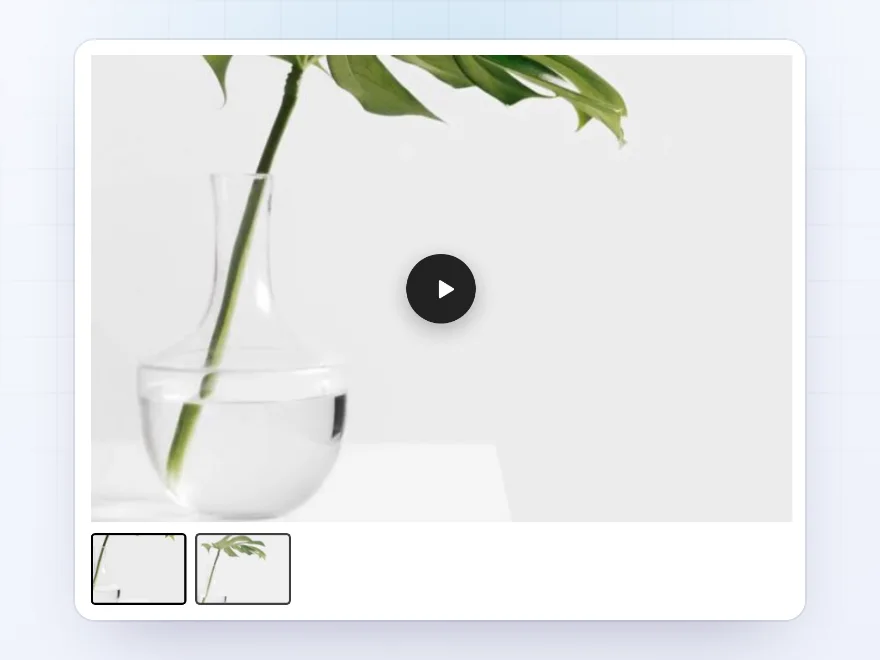
The Product video block and the [product_video] shortcode show a product’s videos on any page, with thumbnails to switch between them. In product templates they show the current product’s videos.
- A block and a shortcode
- Thumbnails to switch videos
- The current product in templates
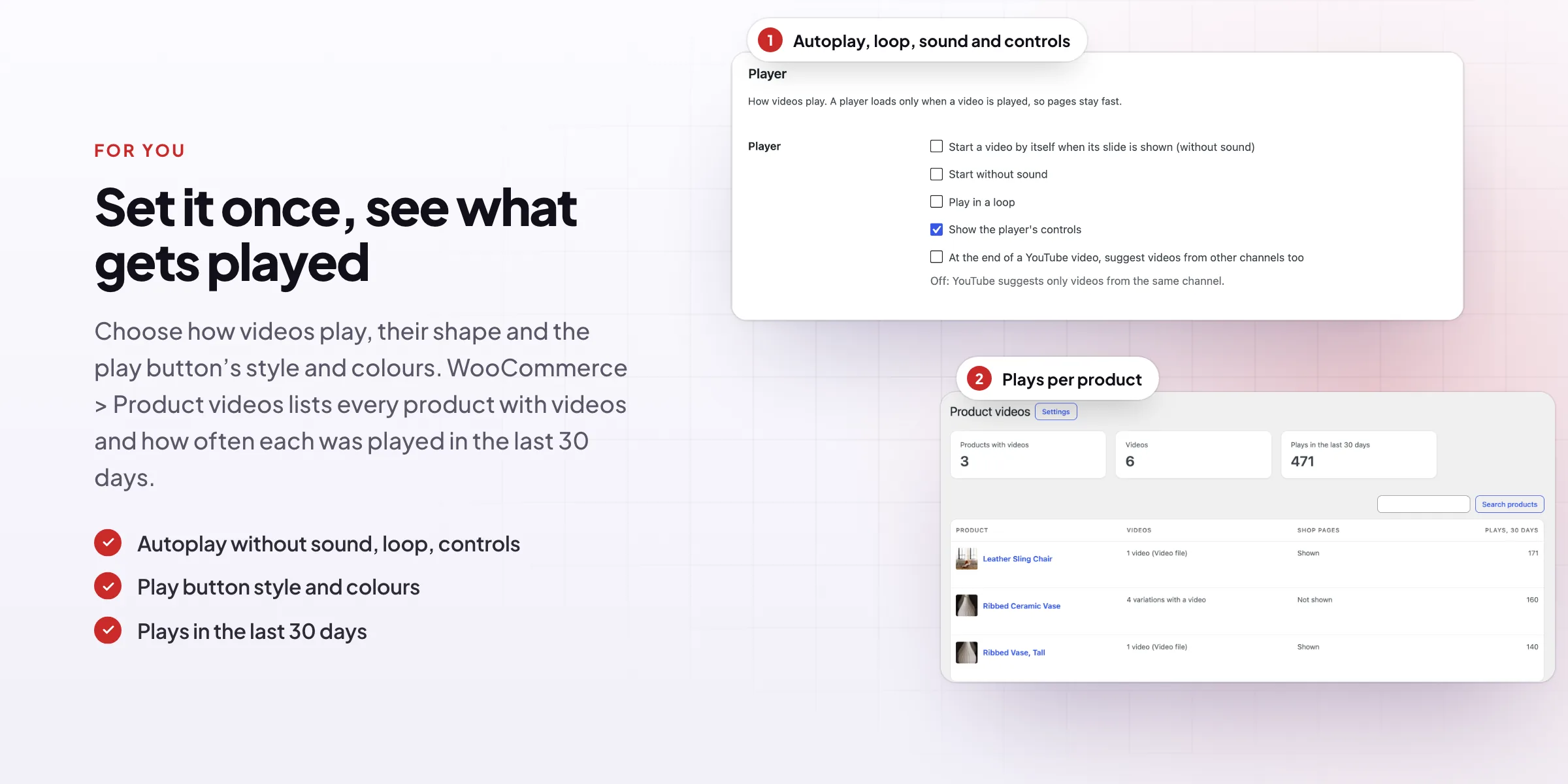
Plays
See which videos get played
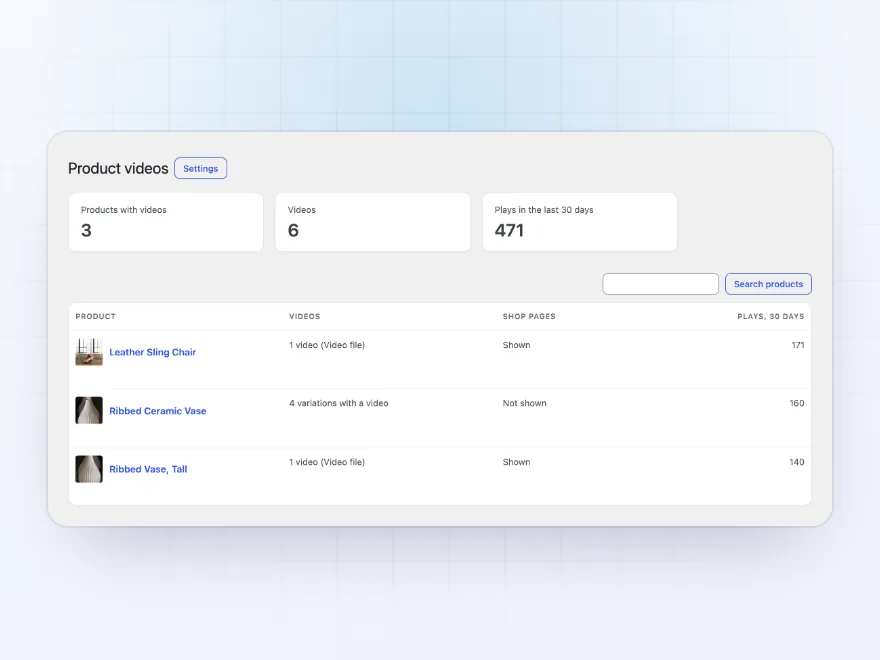
WooCommerce > Product videos lists every product with videos, where they show and how often they were played in the last 30 days. Plays are counted once per video and page view, with nothing stored about the visitor.
- Plays in the last 30 days
- Every product with videos
- Nothing stored about visitors
Premium quality & support
Support you can count on, year after year
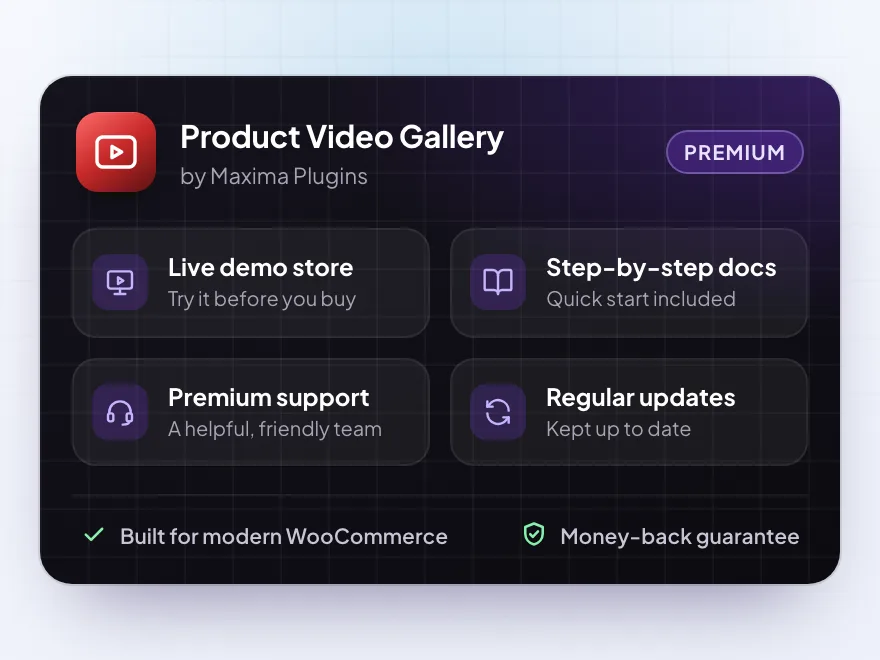
See Product Video Gallery working in a live demo store before you buy. If you need a hand, our friendly support team will help you get it set up, and regular updates keep it working with each new WooCommerce release.
- A live demo store to try it first
- Step-by-step docs with a quick start
- Premium support from a helpful team
- Regular updates included
Video in the WooCommerce product gallery
Product Video Gallery is a WooCommerce product video gallery plugin: YouTube, Vimeo and Dailymotion links or your own MP4 files become slides in the product gallery, with their own thumbnails, next to your product images. Use a video as the featured product video, or show it after the main image or after all images.
Variations can each have a video that plays on the main image when chosen, and shop pages can show a play button or a silent preview on hover. Players load only on play, YouTube uses its privacy-enhanced player, and the videos are added to the product’s structured data for search engines.
Common setups
Questions before you buy
Which videos can I add?
YouTube links (Shorts and live videos too), Vimeo links (private links too), Dailymotion links, and MP4, WebM or MOV files from your Media Library.
Does it slow down product pages?
No. A video slide shows a picture until a customer presses play. Only then does the player load.
Does it work with my theme?
Videos join WooCommerce’s own product gallery, so they work in themes that use it, classic or block, and in the Product Image Gallery block.
Do zoom and the full-screen lightbox still work?
Yes. Images zoom as before, and the magnifier opens videos full screen in WooCommerce’s lightbox.
Is it GDPR friendly?
Players load only when a video is played, YouTube videos use the privacy-enhanced player and Vimeo videos use do-not-track. The plugin also suggests text for your privacy policy.
Can I show a video somewhere else?
Yes, with the Product video block or the [product_video] shortcode, on any page or post.
Requirements
- WordPress
- 6.8 or newer
- WooCommerce
- 10.0 or newer
- PHP
- 7.4 or newer
Works with
- Classic themes
- Block themes
- Cart and Checkout blocks
- High-Performance Order Storage




Marit –
Videos now sit right in the product gallery with their own thumbnails, no iframe fiddling. Silent previews on the shop page look good and it did not slow the category pages down.