 Maxima Plugins
Description
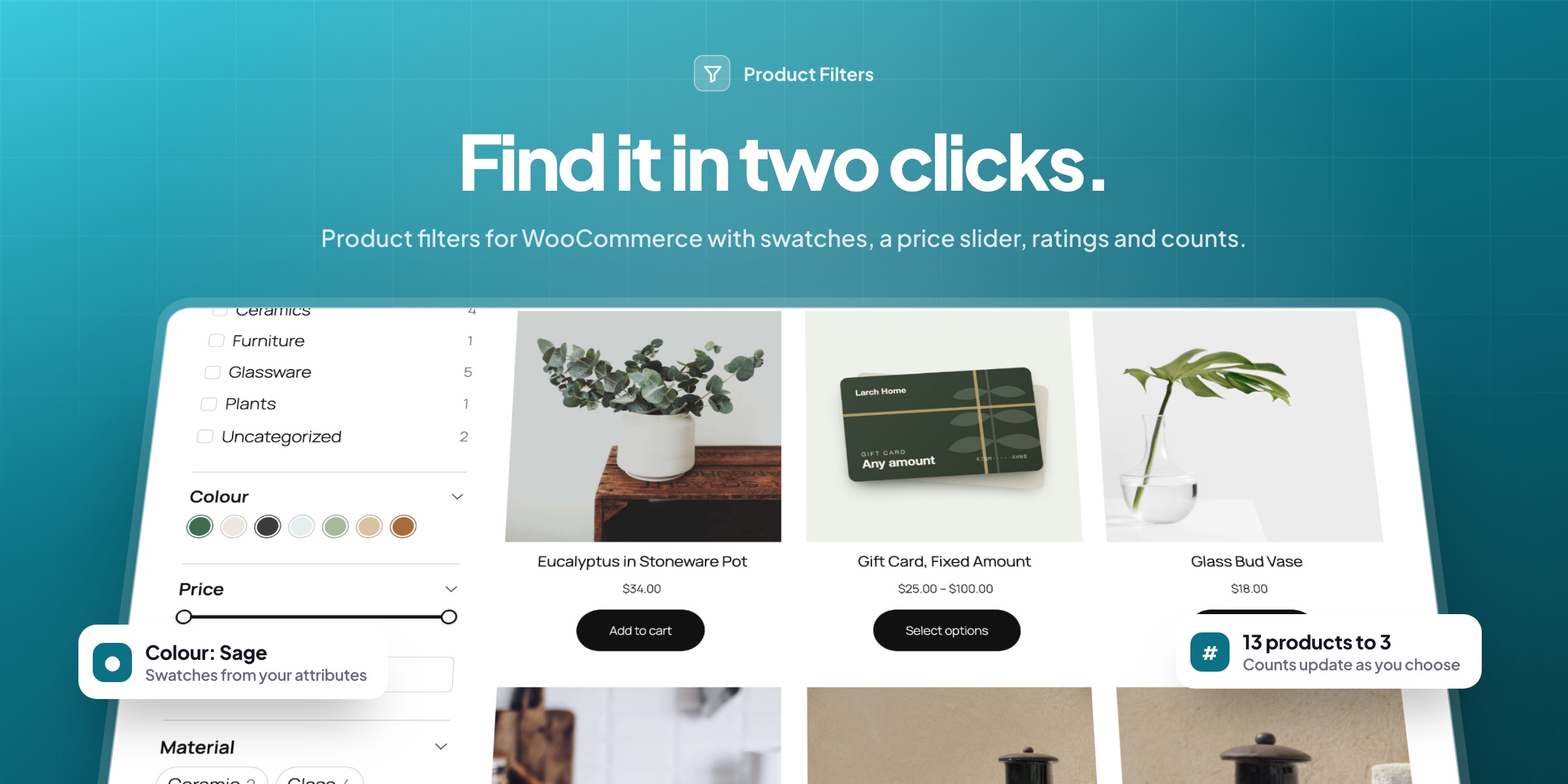
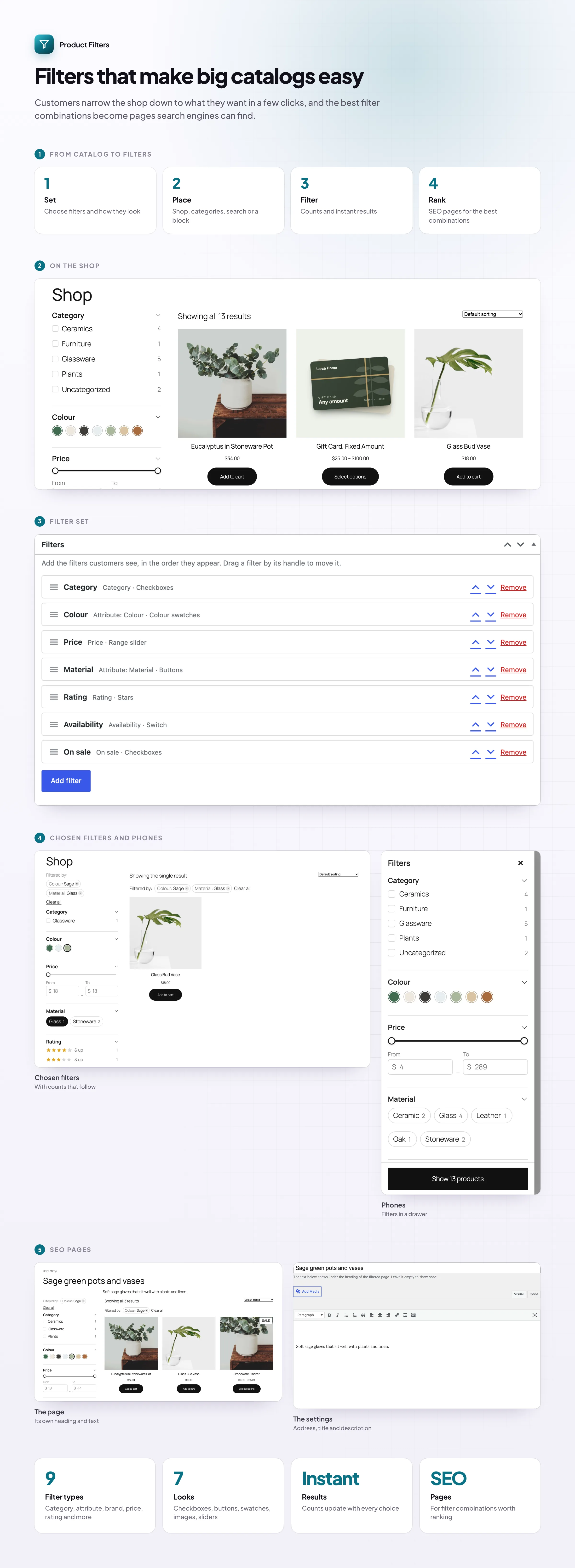
Customers who can’t narrow a big catalog down leave without buying. Product Filters adds the WooCommerce product filter your shop is missing: categories, attributes such as color and material, price, rating and stock, in a sidebar or above the products. The products and counts update as customers choose, without reloading the page.
Filters customers understand
Swatches, buttons, sliders and stars
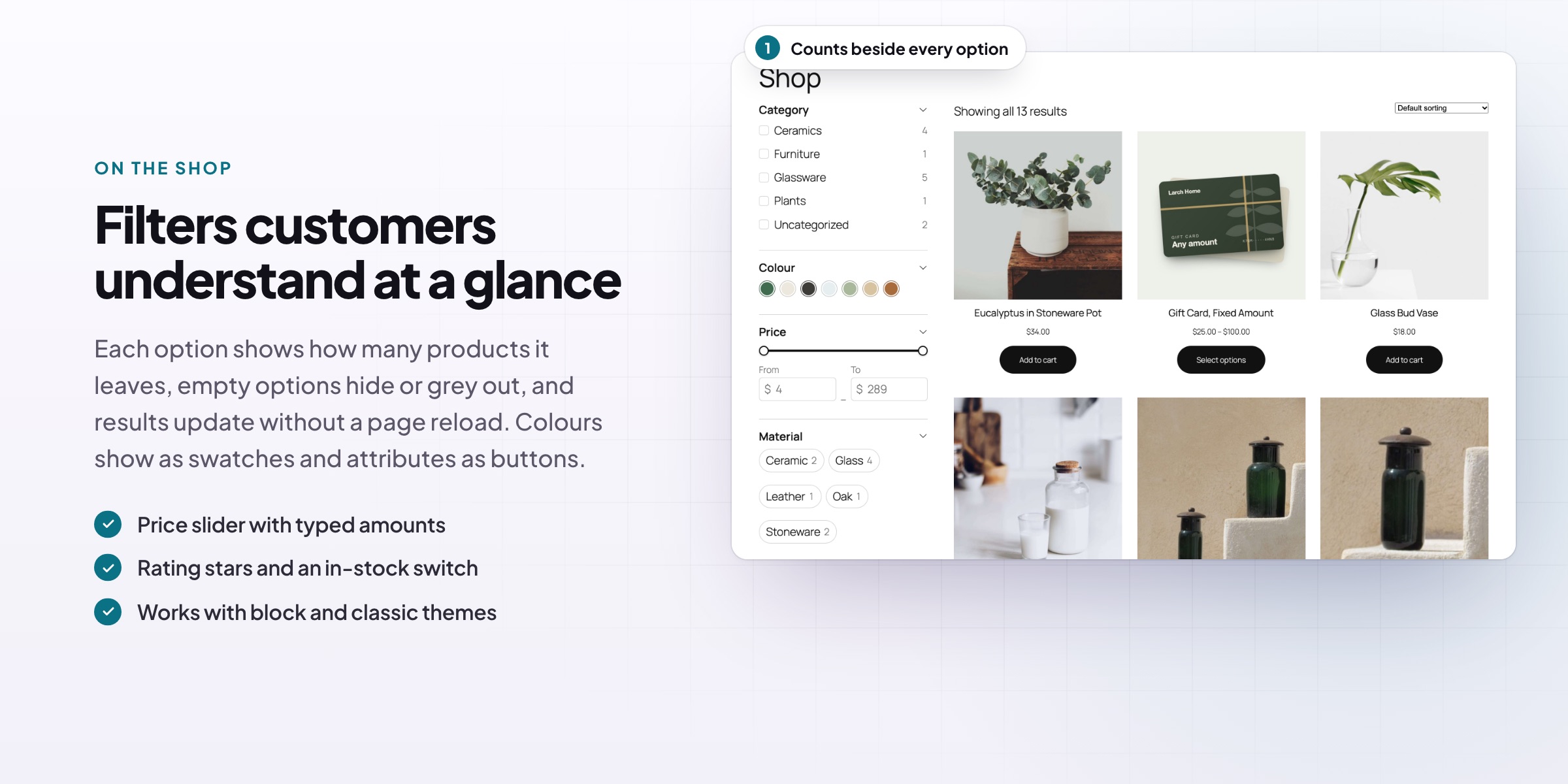
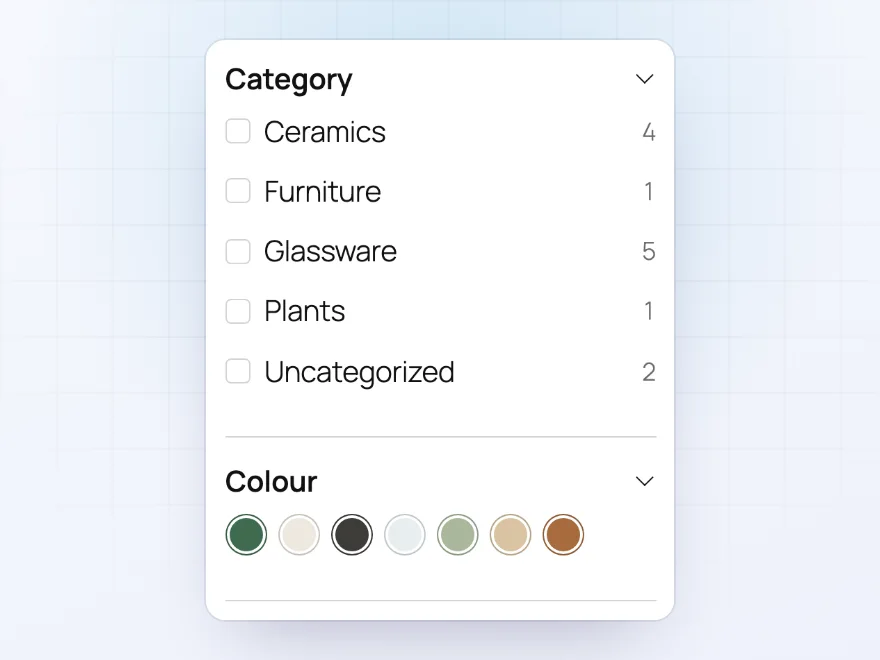
Show each filter the way it makes sense: color swatches for colors, buttons for materials, a slider for price and stars for ratings. Categories show with their subcategories, and every option shows how many products it has. Filter by any product attribute, brand, tag, custom field, weight or size.
- Checkboxes, radio buttons, dropdowns, buttons and image swatches
- Product counts on every option
- “Any of” or “all of” logic per filter
Price and more
A price slider that follows the catalog
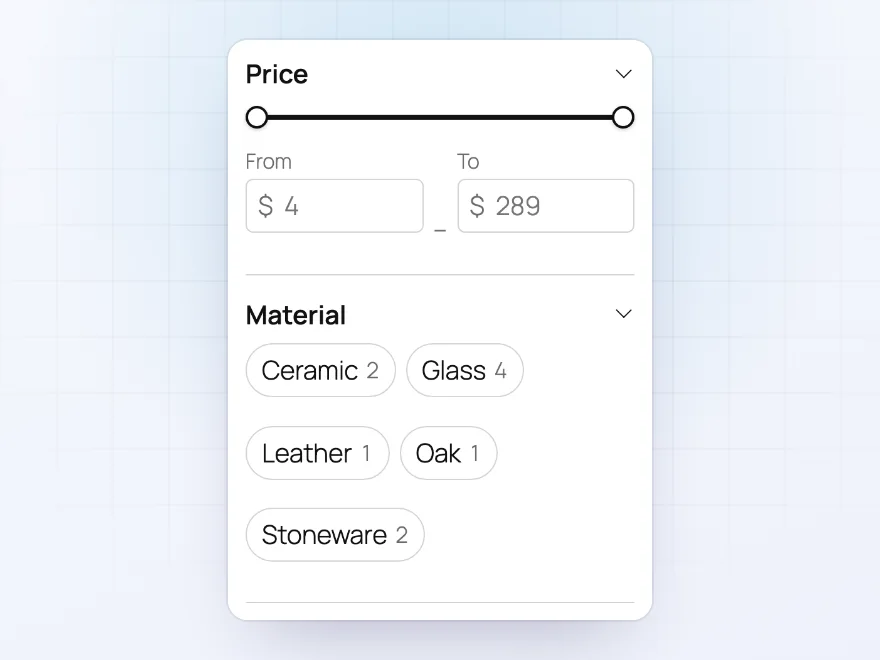
The price filter starts at your cheapest product and ends at your most expensive, with a slider and from and to boxes. Use a list of ranges instead if you prefer. Material, size and other attributes can show as buttons customers tap.
- Slider, from and to boxes, or price ranges
- Prices as customers pay them, tax included or not
- Buttons for short lists such as materials
Easy to undo
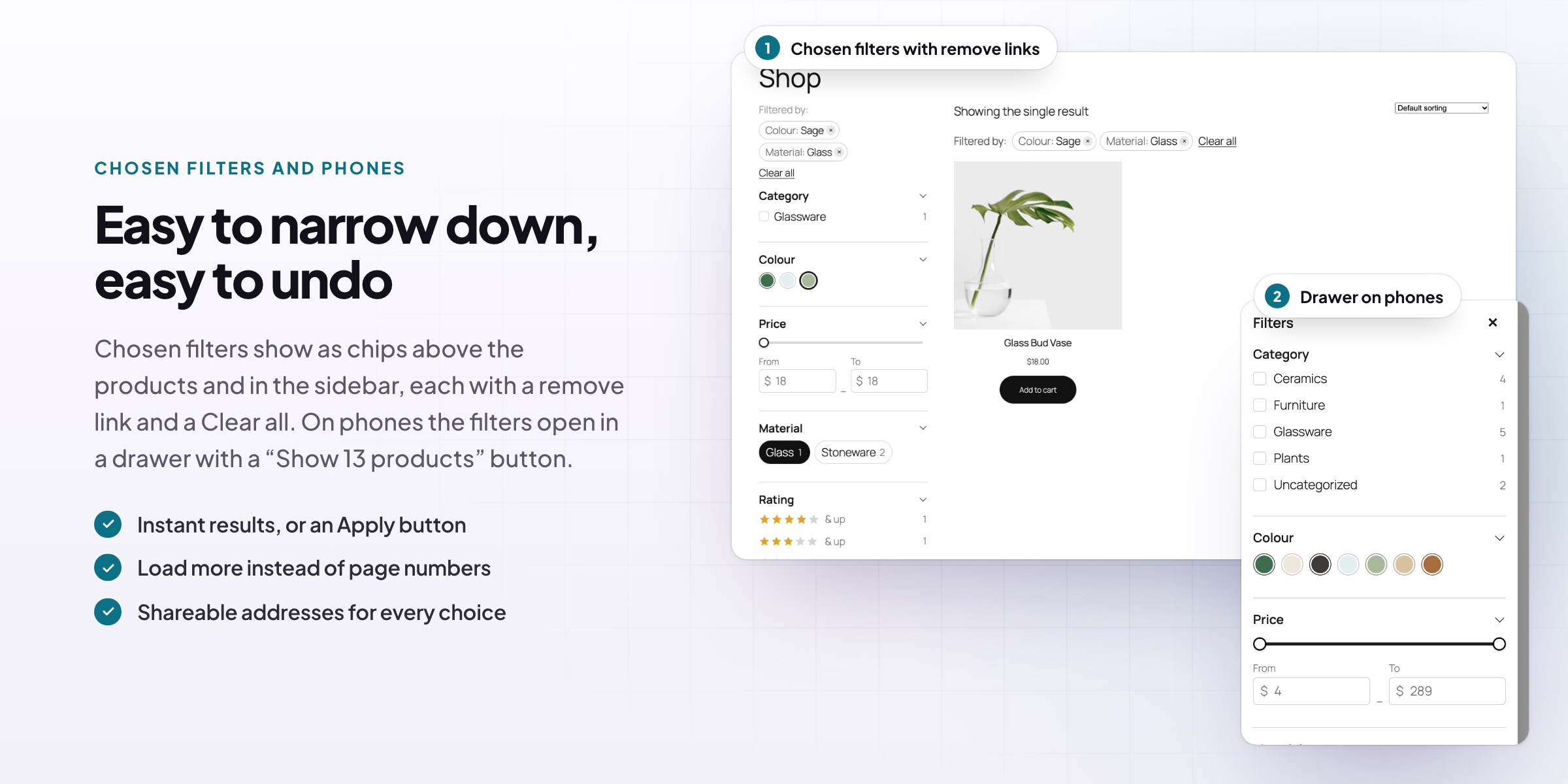
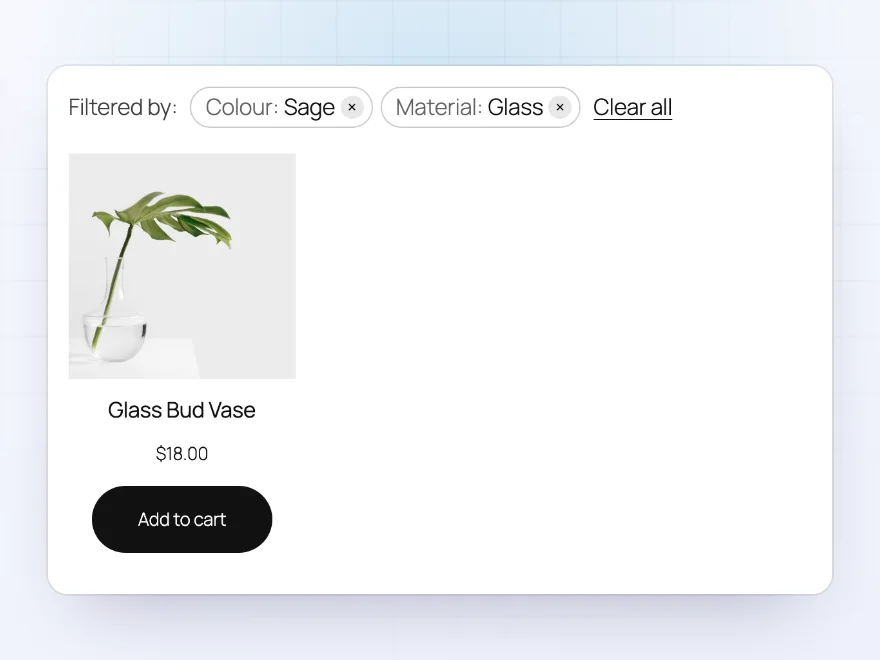
Chosen filters with a remove link each
Every chosen value shows above the products with a link to remove it, and “Clear all” starts again. Options that would show no products are hidden or greyed out, so customers never end up on an empty page. The browser’s back button steps back through their choices.
- Chosen values above the products and in the sidebar
- Options without products hidden or greyed out
- The back button works
On phones
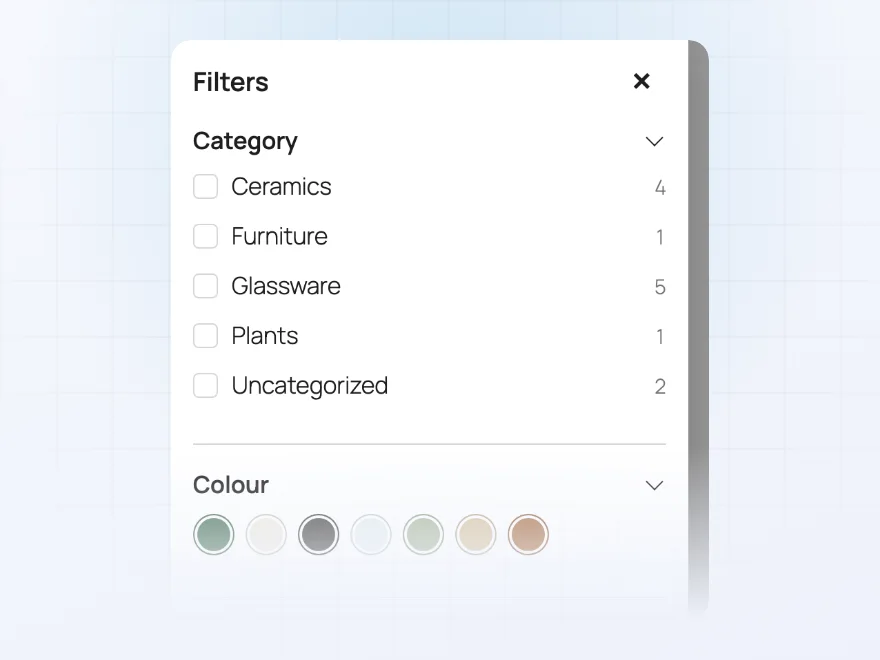
A filter drawer made for small screens
On phones the filters move behind a Filters button that opens a drawer. Customers choose what they want and tap a button that says how many products match, such as “Show 13 products”. Choose the screen width where the drawer takes over.
- A drawer instead of a long sidebar
- A button with the number of matching products
- Your own breakpoint
Filter sets
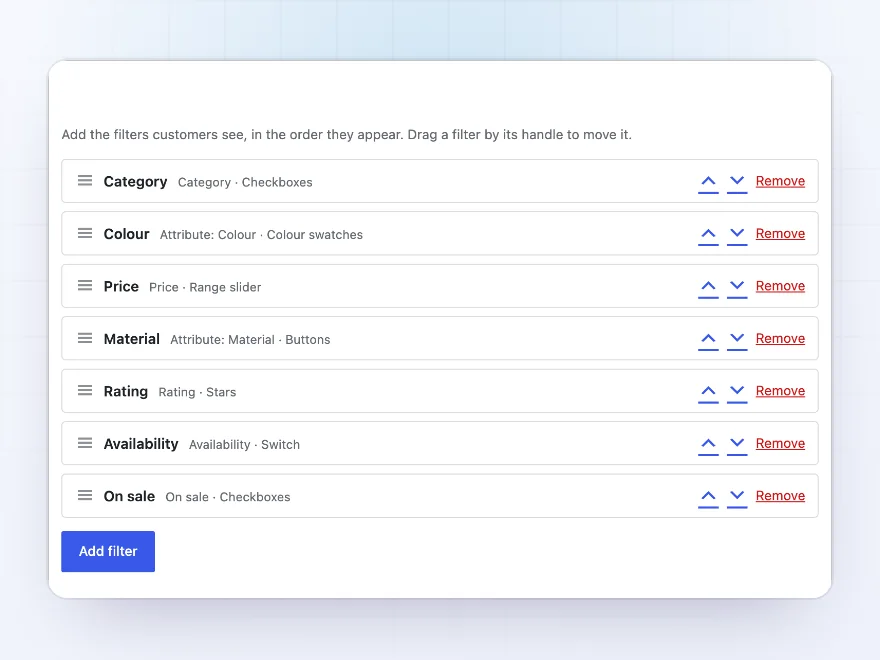
Build the filters once, show them anywhere
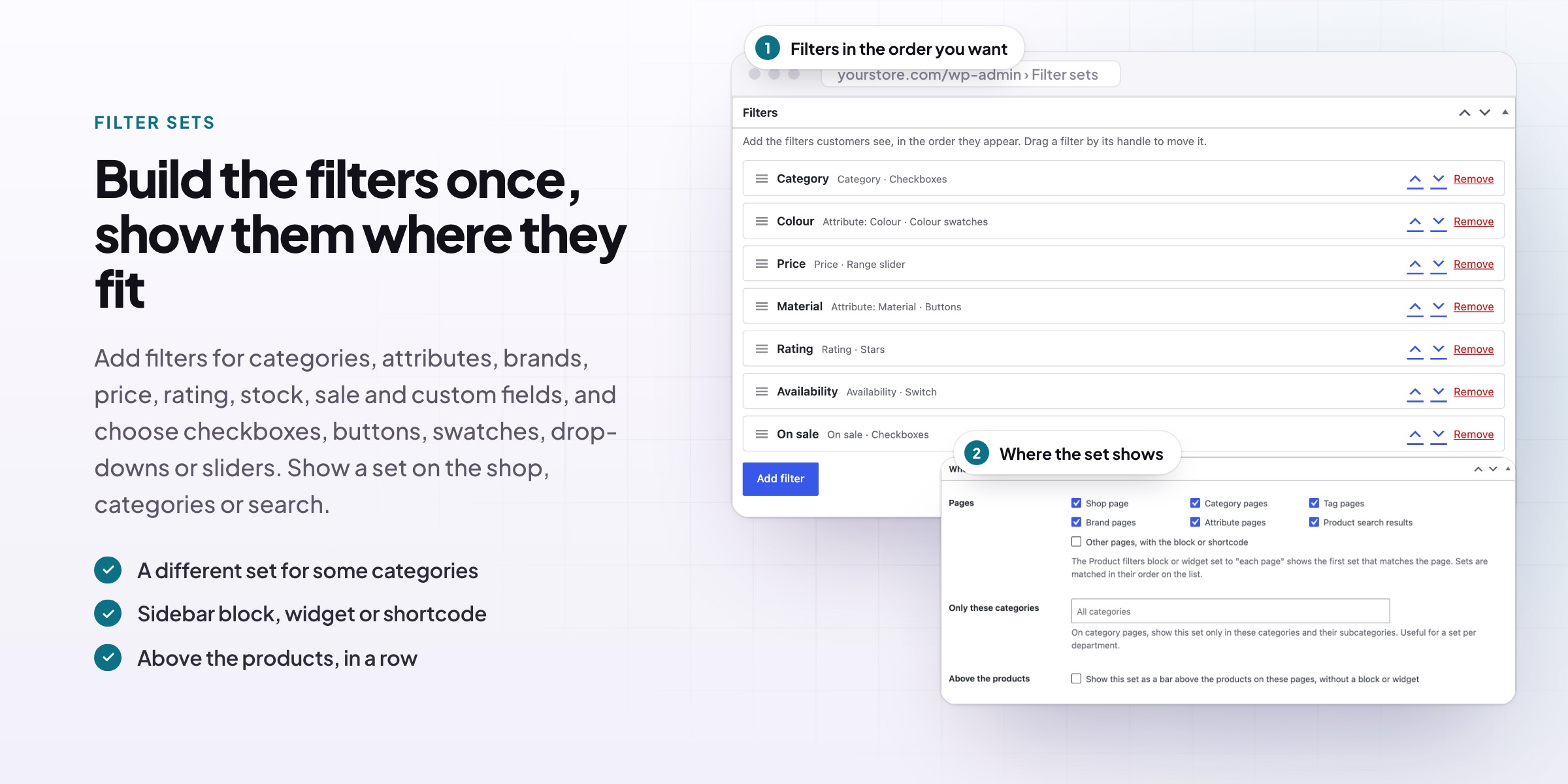
Group filters into a set, drag them into order and choose where the set shows: the shop, category, tag, brand and search pages, or a page of your own with the block or shortcode. Give furniture and lighting different filters, or show one set above the products without editing templates.
- A set per page type or per category
- Product filters block, widget and shortcode
- A bar above the products, no template changes
Search engines
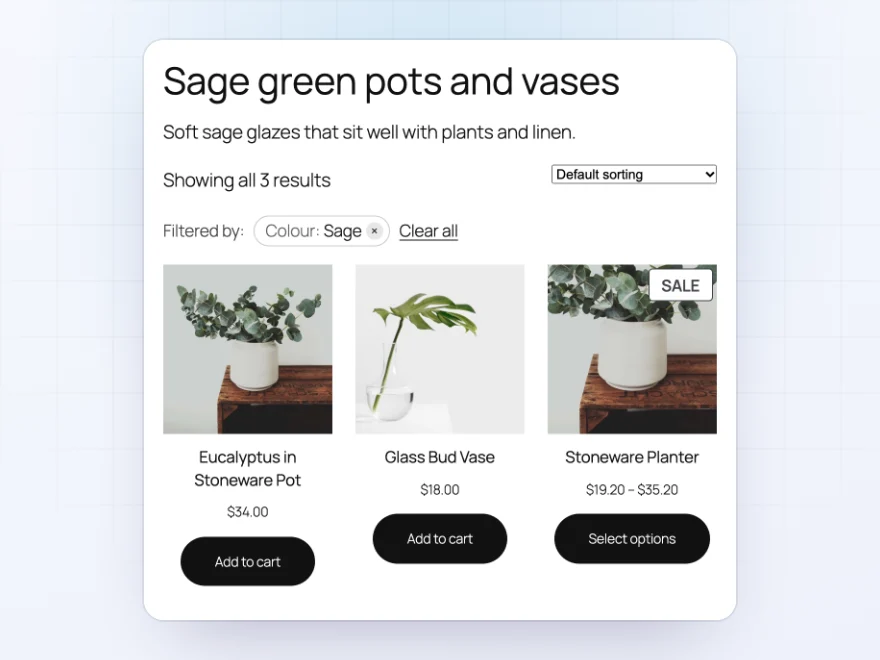
Filtered pages that can rank
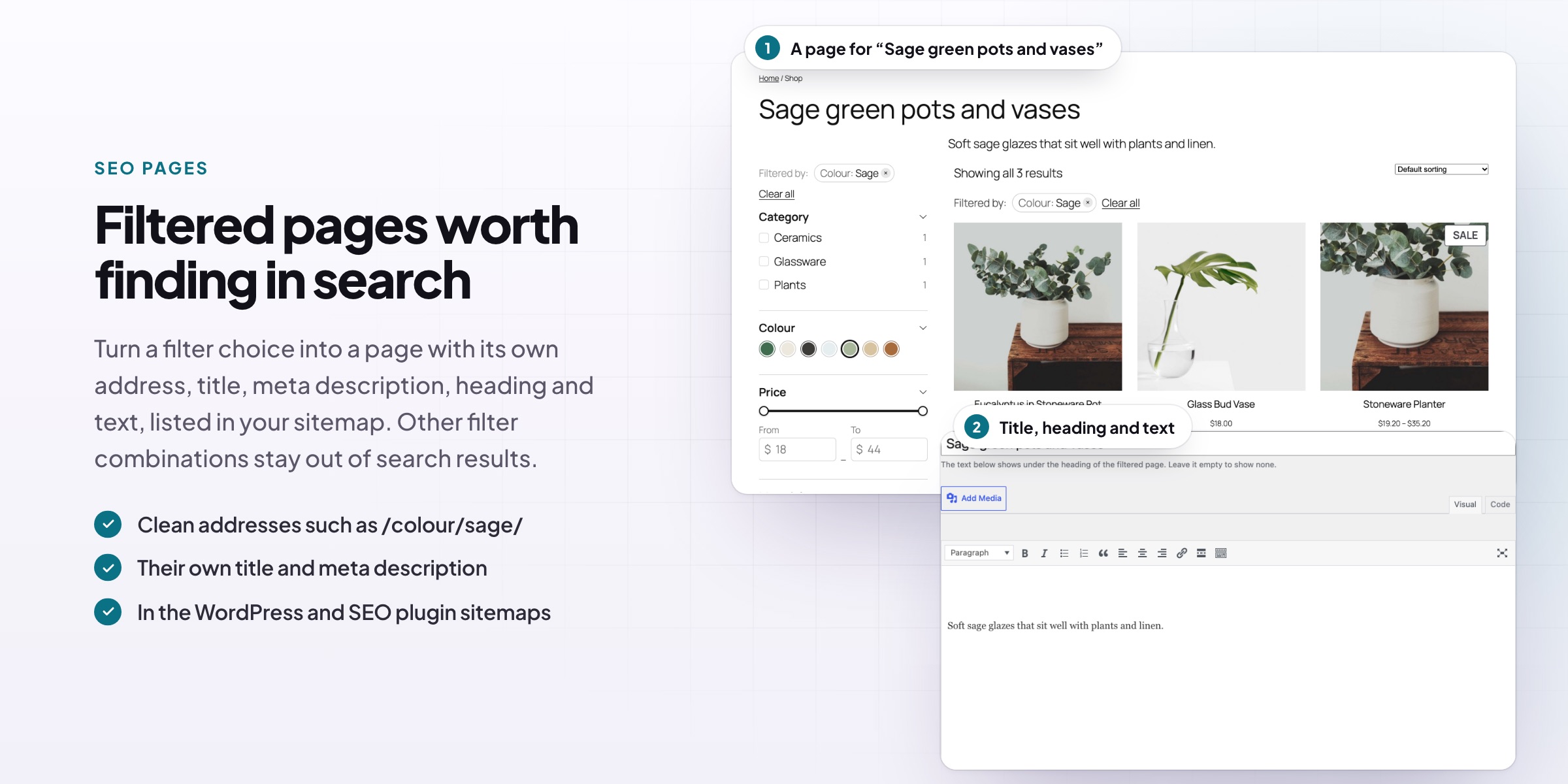
Filtered pages are kept out of search results so they don’t compete with your categories. For the combinations people search for, such as “green glass vases”, create an SEO page with its own title, description, heading and intro. It is indexed and listed in the sitemap.
- Query string or path URLs, such as /shop/filter/color/green/
- Other filtered pages kept out of search results
- Works with Yoast SEO and Rank Math
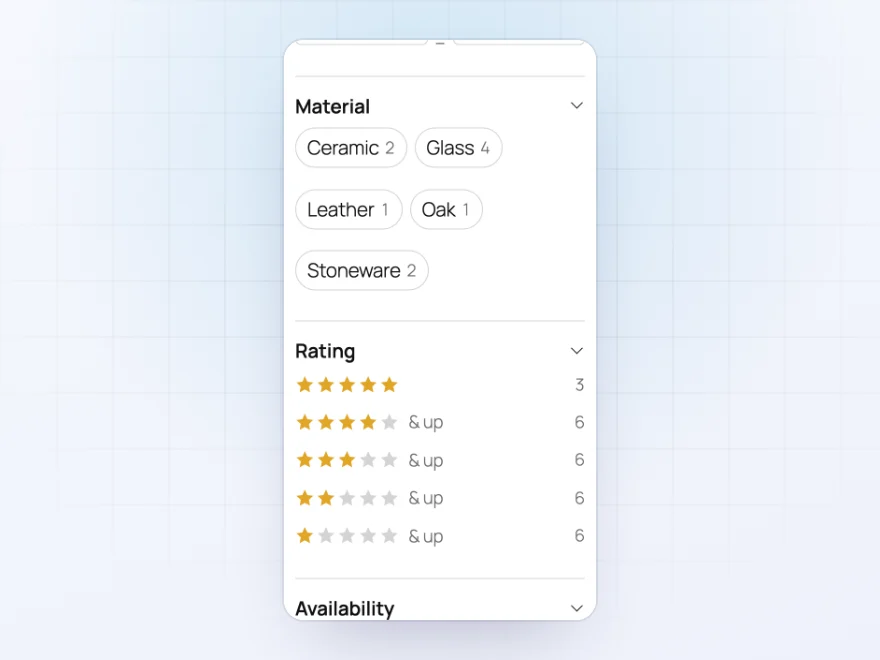
Filter by anything
Attributes, brands, ratings, stock and more
Filter by categories, tags, brands, attributes such as colour or material, price, rating, availability, on sale and new arrivals, and by weight, size or any custom field.
- Attributes, brands and custom fields
- Rating, stock and on sale
- Weight and size
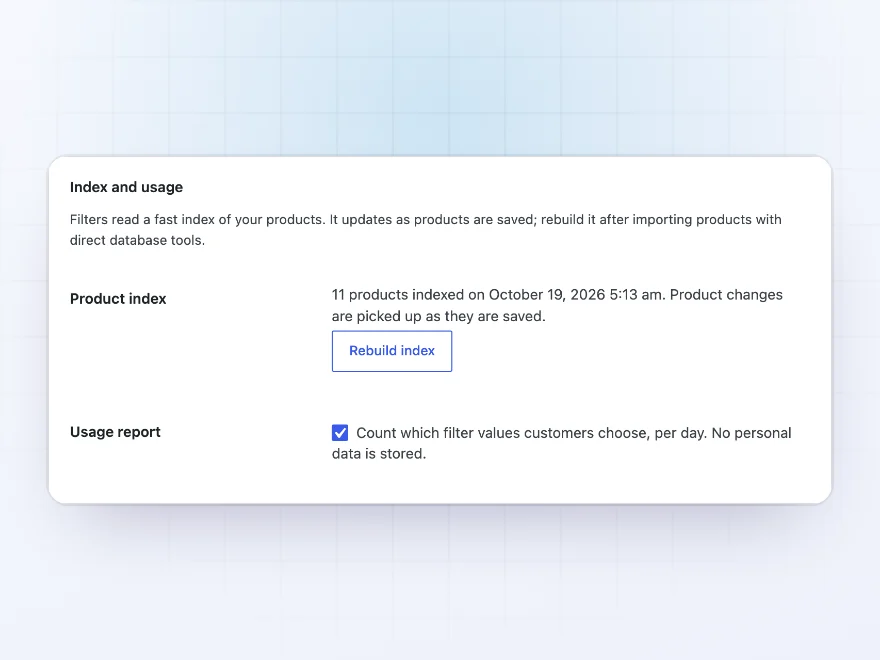
Fast on big catalogs
Quick, even with thousands of products
An index of your products keeps filtering quick and updates as products are saved. Products, counts and page numbers change in place, with page numbers, a Load more button or loading on scroll, and a variable product only shows when a matching variation is in stock.
- An index that updates itself
- Load more or loading on scroll
- Only in-stock variations match
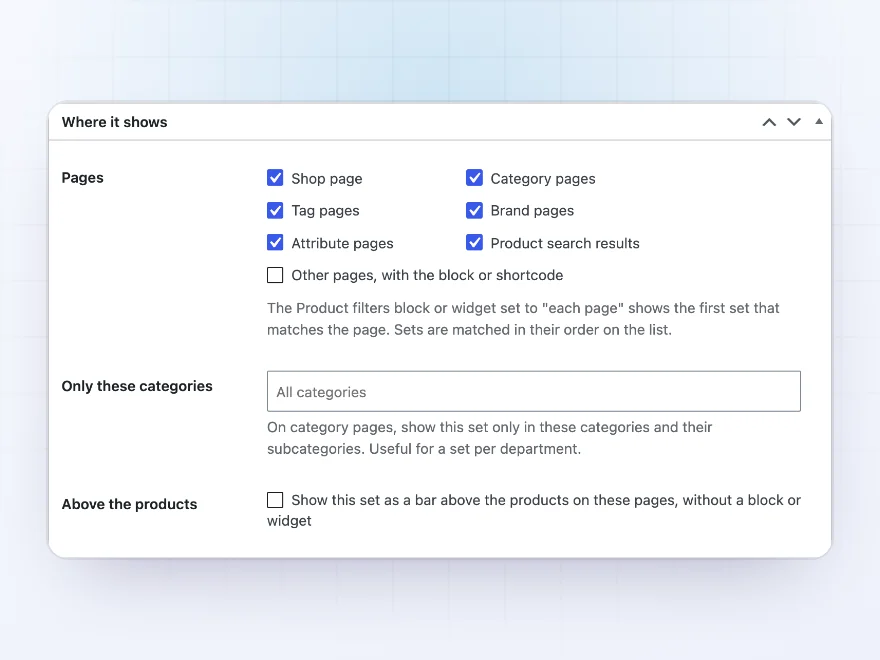
Where filters show
In the sidebar, above the products, or both
Show a filter set in a sidebar with the block, widget or shortcode, or as a bar above the products on the shop, category, tag, brand and search pages, without editing templates. Give a category its own set.
- Block, widget or shortcode
- A bar above the products
- A set per page type or category
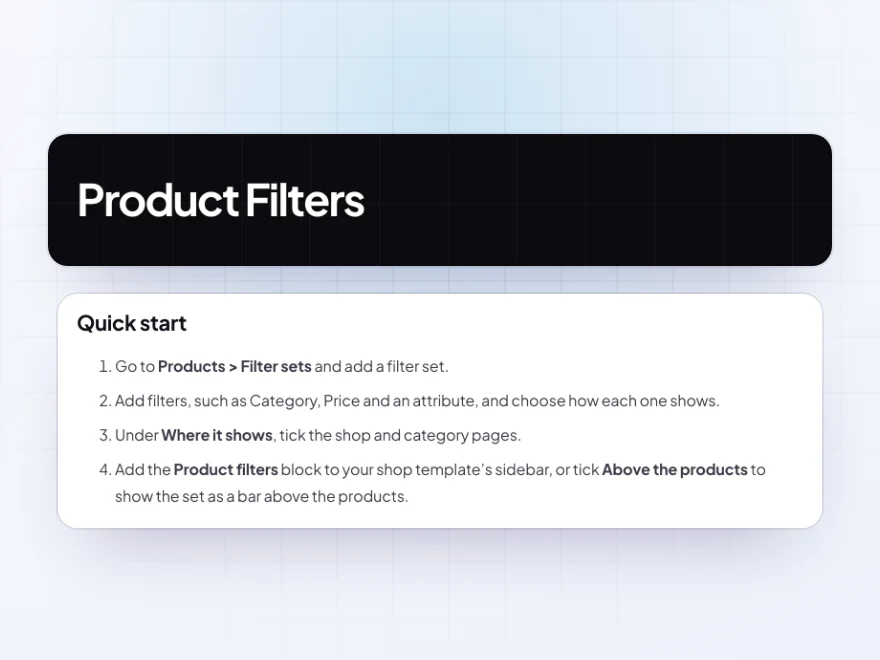
Docs and support
Try it, set it up, ask us anything
Try Product Filters in a live demo store before you buy. The docs start with a quick start and cover filter sets, what you can filter by and swatches. Support tickets are answered by the developers who make the plugin, and updates are included.
- A live demo store to try it first
- Step-by-step docs with a quick start
- Most tickets answered within 12–24 hours
A WooCommerce product filter that helps big catalogs sell
Product Filters is a WooCommerce product filter plugin that lets customers narrow the shop by category, attribute, brand, price, rating, stock or any custom field, with swatches, buttons, sliders and counts that update without reloading the page.
You can filter by attribute in WooCommerce such as colour, size or material, place filter sets in a sidebar or above the products, and give phones a drawer of their own. Filtered pages stay out of search results, except the SEO pages you choose to create, and an index keeps filtering fast on large catalogs.
Common setups
- Home and garden: colors as swatches, materials as buttons and a price slider in the shop sidebar.
- Fashion: size, color and brand filters that only show variations in stock.
- Parts and supplies: filters for custom fields such as voltage or thread size, with a keyword box for SKUs.
- Mixed catalogs: different filter sets for furniture and for lighting.
- Search traffic: SEO pages for the filter combinations people search for.
Questions before you buy
Does it work with my theme?
Yes. Use the Product filters block in block themes, the widget in classic sidebars, or the shortcode anywhere. A bar above the products needs no template changes at all.
Will it slow my shop down?
No. An index of your products keeps filtering quick on large catalogs, and it updates as products are saved.
Can a variable product show only when a matching variation is in stock?
Yes. A variable product shows for a size or color only when one variation with that option is in stock.
Can I filter by custom fields?
Yes. Custom fields can be filters, as a list of values or a number range, next to attributes, categories, tags and brands.
What happens to filtered pages in Google?
They are kept out of search results and point to the clean page, so they don’t compete with your categories. Only the SEO pages you create are indexed.
Does it work with block themes and the Product Collection block?
Yes. Filters work on the shop page, product archives, Product Collection blocks and
-
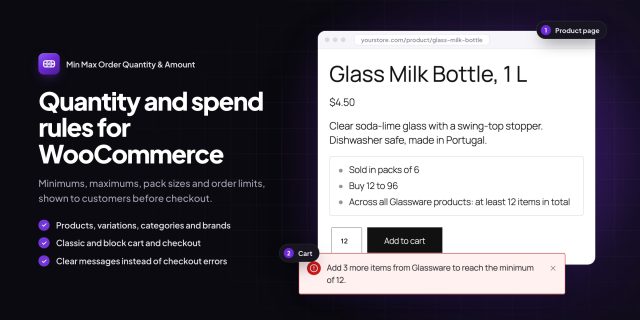
Min Max Order Quantity & Amount
$69 / year Buy now This product has multiple variants. The options may be chosen on the product page -
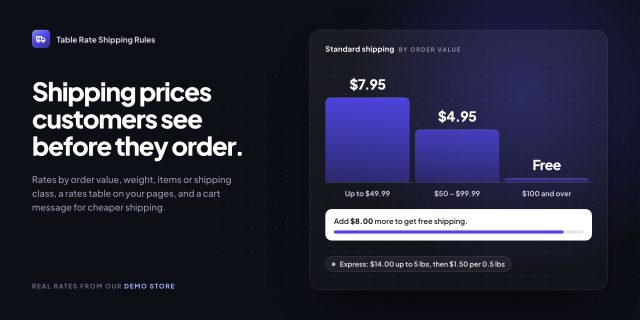
Table Rate Shipping Rules
$89 / year Buy now This product has multiple variants. The options may be chosen on the product page -
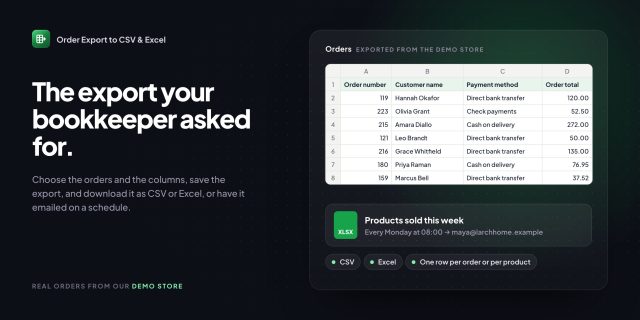
Order Export to CSV & Excel
$79 / year Buy now This product has multiple variants. The options may be chosen on the product page -
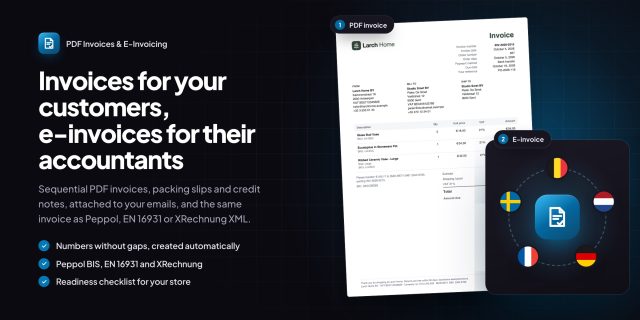
PDF Invoices & E-Invoicing
$99 / year Buy now This product has multiple variants. The options may be chosen on the product page -
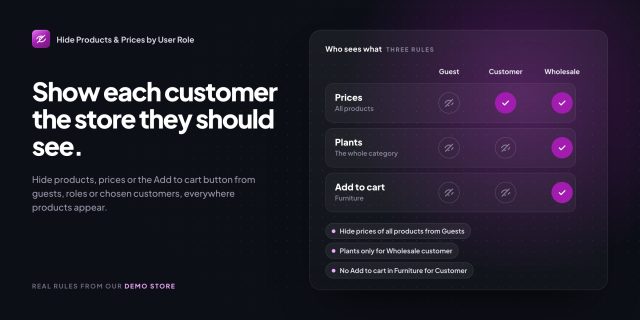
Hide Products & Prices by User Role
$69 / year Buy now This product has multiple variants. The options may be chosen on the product page -
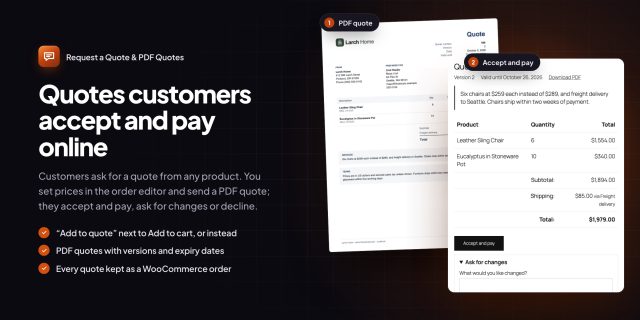
Request a Quote & PDF Quotes
$99 / year Buy now This product has multiple variants. The options may be chosen on the product page -

Tax Exempt Customers & VAT Validation
$79 / year Buy now This product has multiple variants. The options may be chosen on the product page -
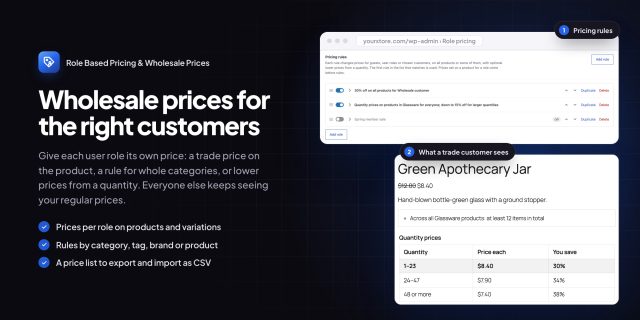
Role Based Pricing & Wholesale Prices
$99 / year Buy now This product has multiple variants. The options may be chosen on the product page -
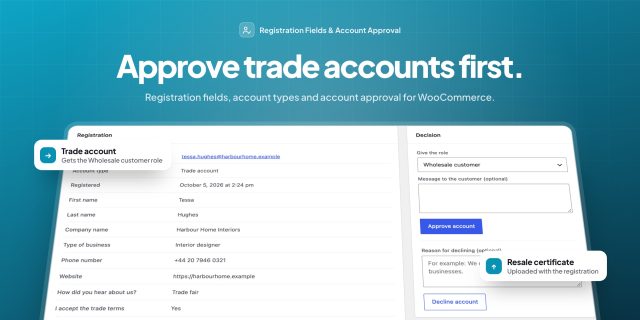
Registration Fields & Account Approval
$89 / year Buy now This product has multiple variants. The options may be chosen on the product page -
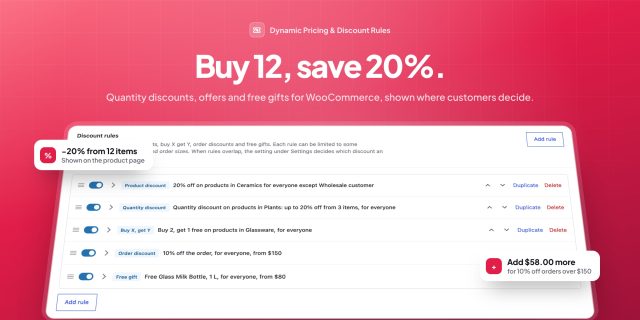
Dynamic Pricing & Discount Rules
$99 / year Buy now This product has multiple variants. The options may be chosen on the product page -
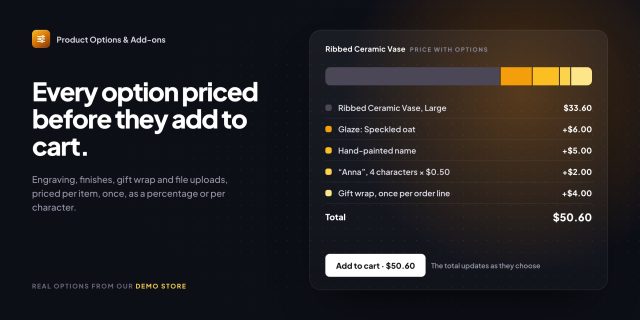
Product Options & Add-ons
$89 / year Buy now This product has multiple variants. The options may be chosen on the product page -
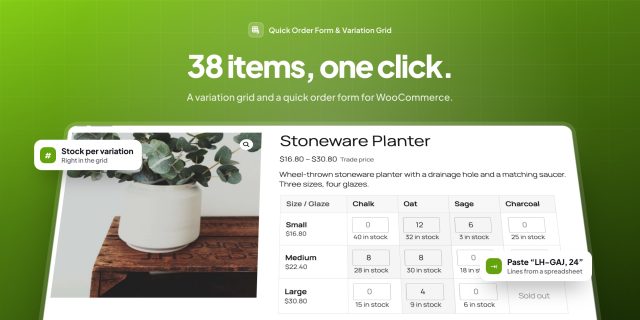
Quick Order Form & Variation Grid
$79 / year Buy now This product has multiple variants. The options may be chosen on the product page -
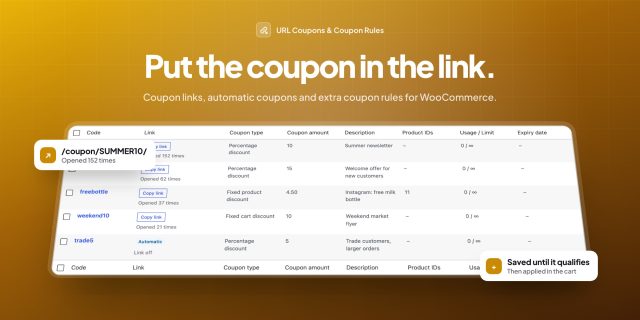
URL Coupons & Coupon Rules
$79 / year Buy now This product has multiple variants. The options may be chosen on the product page -
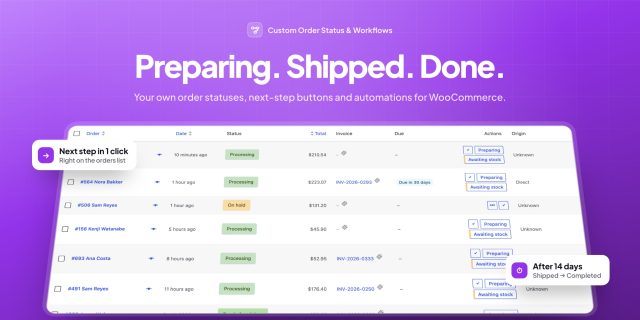
Custom Order Status & Workflows
$69 / year Buy now This product has multiple variants. The options may be chosen on the product page -
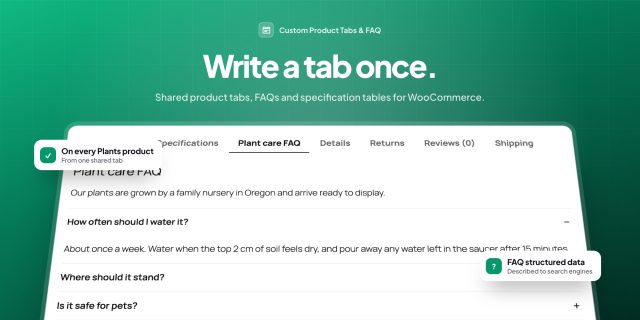
Custom Product Tabs & FAQ
$69 / year Buy now This product has multiple variants. The options may be chosen on the product page -
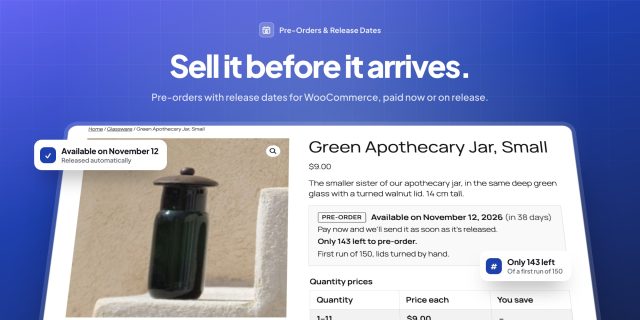
Pre-Orders & Release Dates
$89 / year Buy now This product has multiple variants. The options may be chosen on the product page -

Country and State Restrictions
$79 / year Buy now This product has multiple variants. The options may be chosen on the product page -

Product Filters
$89 / year Buy now This product has multiple variants. The options may be chosen on the product page -
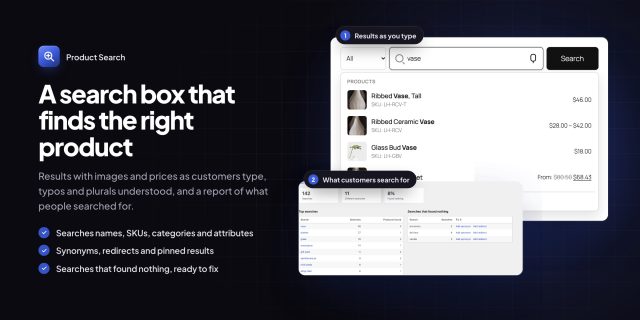
Product Search
$79 / year Buy now This product has multiple variants. The options may be chosen on the product page -
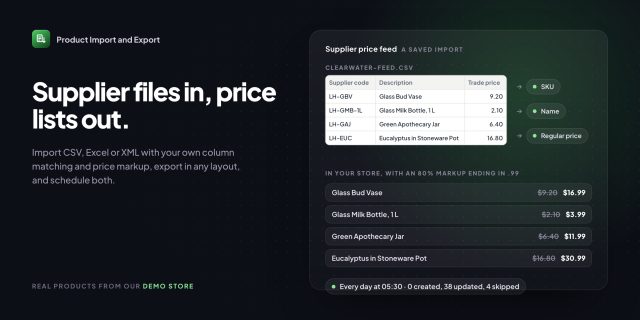
Product Import & Export
$79 / year Buy now This product has multiple variants. The options may be chosen on the product page -

Shopify & Magento Store Migration
$99 / year Buy now This product has multiple variants. The options may be chosen on the product page -
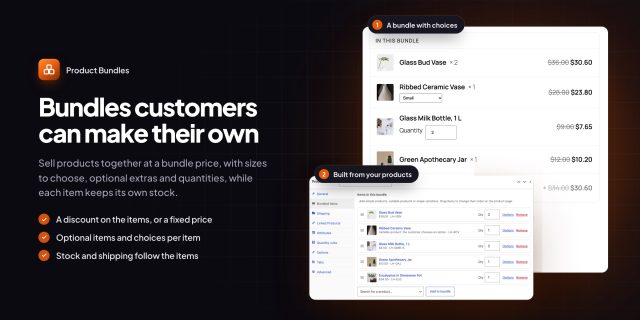
Product Bundles
$89 / year Buy now This product has multiple variants. The options may be chosen on the product page -
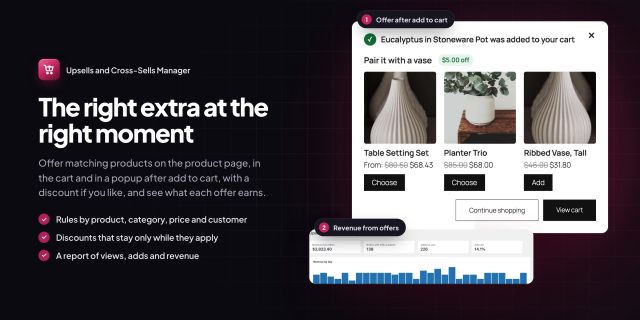
Upsells & Cross-Sells Manager
$79 / year Buy now This product has multiple variants. The options may be chosen on the product page -
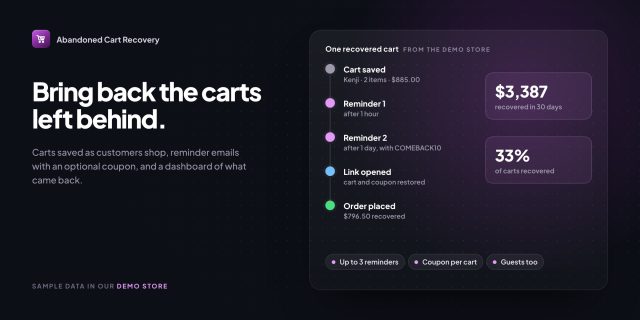
Abandoned Cart Recovery
$79 / year Buy now This product has multiple variants. The options may be chosen on the product page -
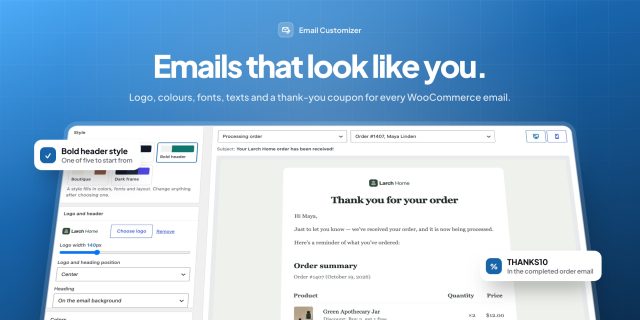
Email Customizer
$69 / year Buy now This product has multiple variants. The options may be chosen on the product page -
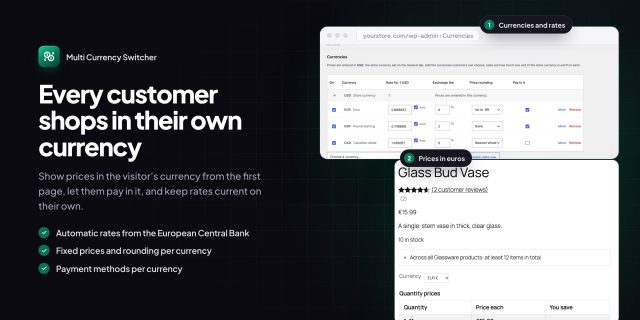
Multi Currency Switcher
$89 / year Buy now This product has multiple variants. The options may be chosen on the product page -

Product Reviews Pro
$79 / year Buy now This product has multiple variants. The options may be chosen on the product page -

Store SEO Toolkit
$79 / year Buy now This product has multiple variants. The options may be chosen on the product page -
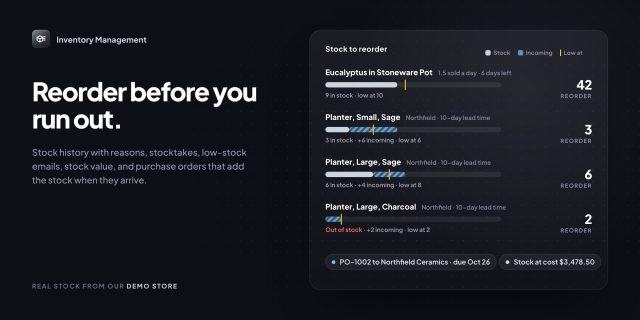
Inventory Management
$99 / year Buy now This product has multiple variants. The options may be chosen on the product page -
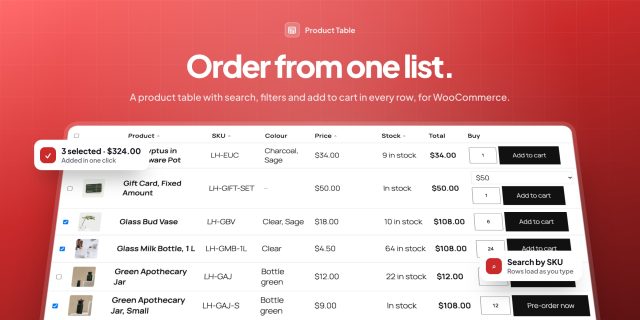
Product Table
$89 / year Buy now This product has multiple variants. The options may be chosen on the product page
Can I see which filters customers use?
Yes. The usage report lists the values customers choose most, by week, month or year. No personal data is stored.
Requirements
WordPress 6.8 or newer, WooCommerce 10.0 or newer and PHP 7.4 or newer. Works with classic and block themes, the Cart and Checkout blocks, and High-Performance Order Storage.
Documentation
Step-by-step setup, every setting explained, and examples: read the documentation. Questions before you buy? Ask us.




Reviews
There are no reviews yet.