Order Export to CSV & Excel creates Excel or CSV files of your orders with the columns you choose. Run an export by hand, from the orders list, or on a schedule that emails the file.
Requirements
- WordPress 6.8 or newer
- WooCommerce 10.0 or newer
- PHP 7.4 or newer
- Excel files need the PHP Zip extension, which almost every host has. Works with High-Performance Order Storage.
Installation
- Download
order-export-csv-excel.zipfrom My account > Downloads. - In WordPress, go to Plugins > Add New Plugin > Upload Plugin, choose the zip file and click Install Now.
- Click Activate. Go to WooCommerce > Export orders.
Quick start: last month’s orders in Excel
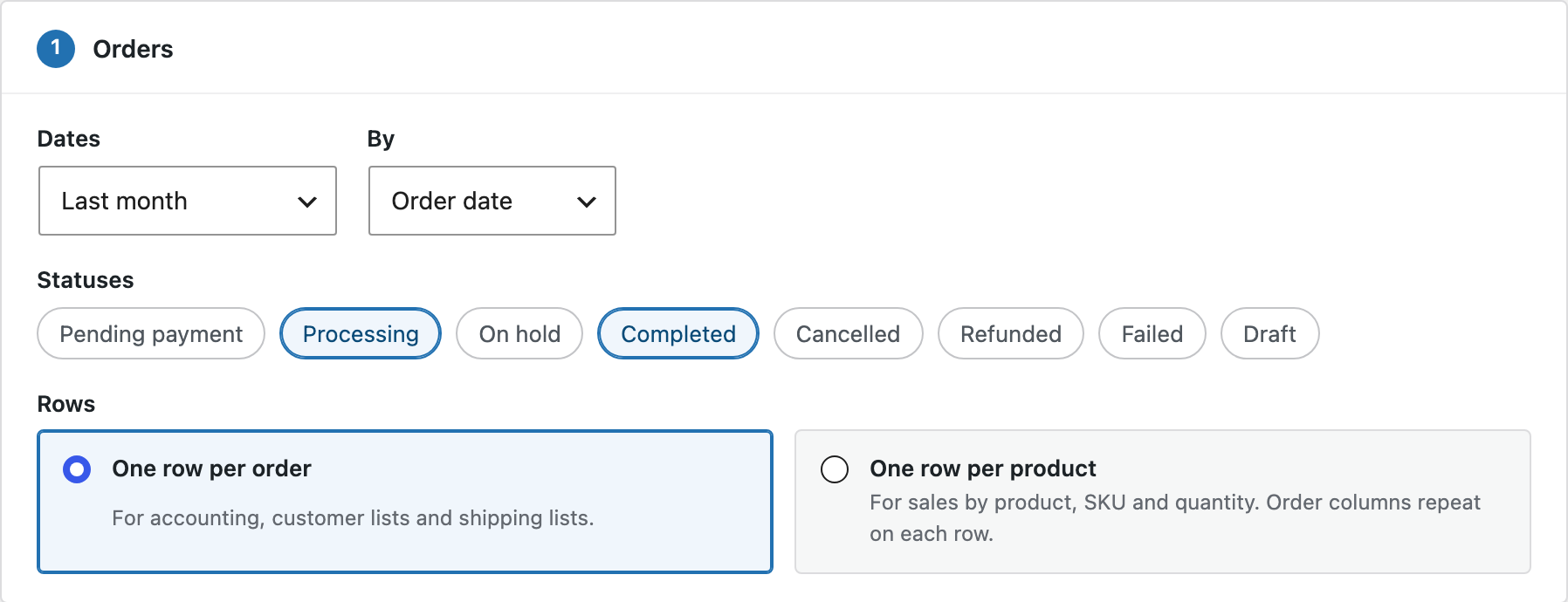
- Go to WooCommerce > Export orders. The screen opens with last month’s processing and completed orders and the Accounting columns.
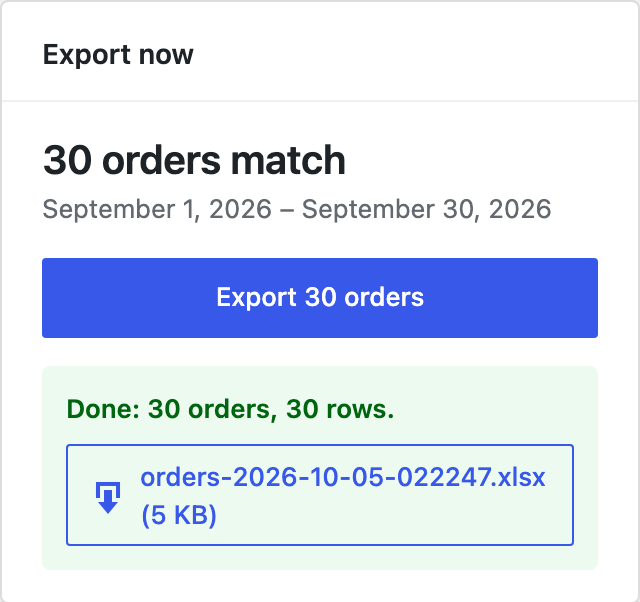
- Check the number of matching orders in the Export now box.
- Click Export. The progress bar fills, and the file downloads when it’s ready.
Choosing the orders
| Setting | Options |
|---|---|
| Dates | Today, yesterday, this week, last week, last 7 days, this month, last month, last 30 days, this year, last year, since the last export, all time, or your own dates. Weeks start on the day set in Settings > General. |
| By | The order date, the paid date or the completed date. |
| Statuses | Any order statuses, including custom ones. |
| Rows | One row per order, or one row per product, where order columns repeat on each product’s row. |
Choosing the columns
Click a column on the left to add it to In your file, and click it again to remove it. Drag columns to change their order, and type over a name to change the header in the file. Product columns, such as SKU and quantity, are only used with one row per product.
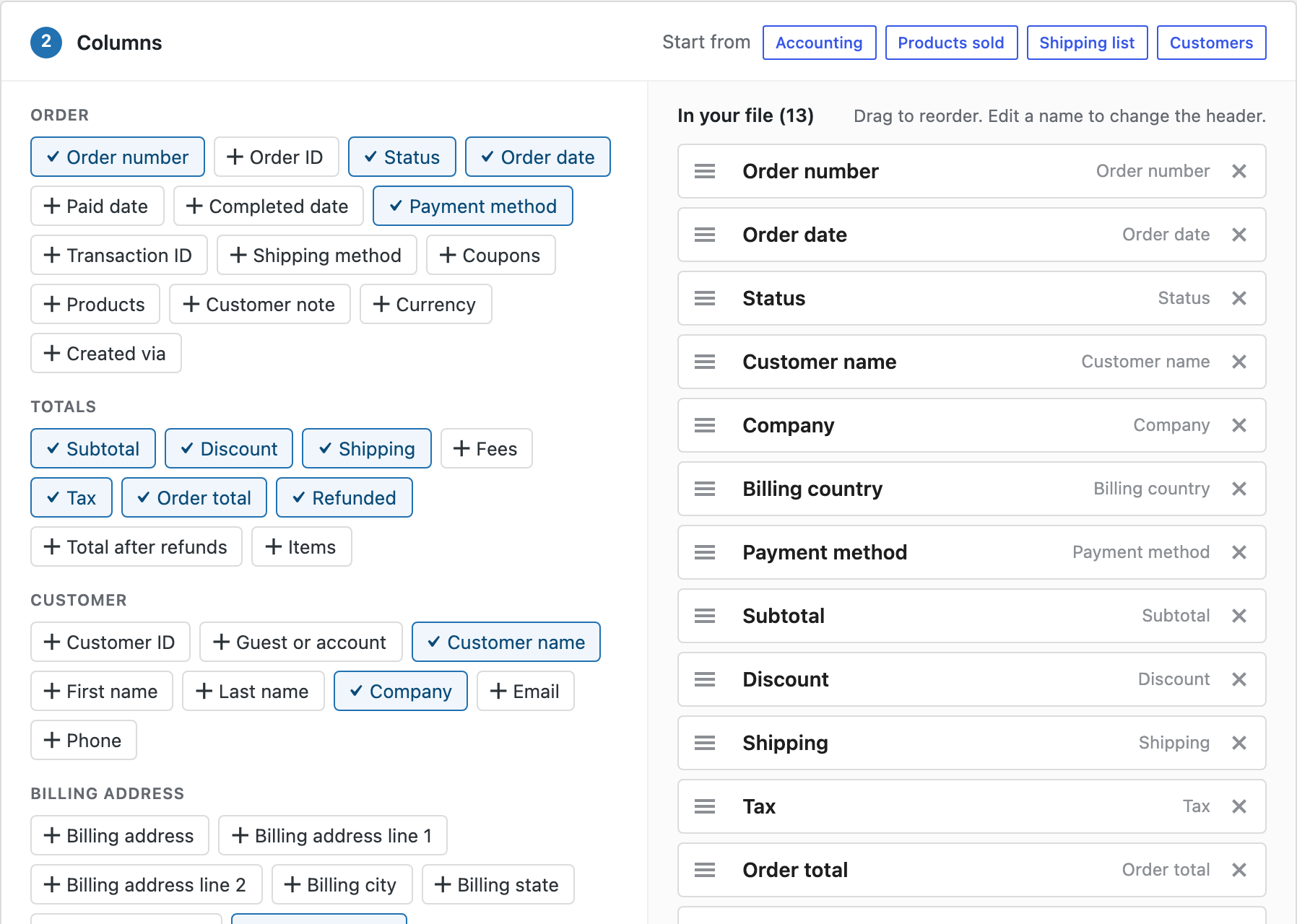
- Start from a ready-made set: Accounting, Products sold, Shipping list or Customers.
- Custom field: type the name of any order or product field, such as
_my_field, and add it as a column.
Excel and CSV
- Excel (.xlsx): amounts are numbers and dates are dates, so you can sum, sort and filter straight away. The header row is bold and frozen, and every column has a filter.
- CSV: UTF-8 text for accounting software, imports and Google Sheets. Choose a comma, a semicolon or a tab between columns. With a semicolon, amounts get a decimal comma, as European Excel expects.
In CSV files, text that starts like a spreadsheet formula, such as =, is written as text, so opening a file can’t run anything.
Saved and scheduled exports
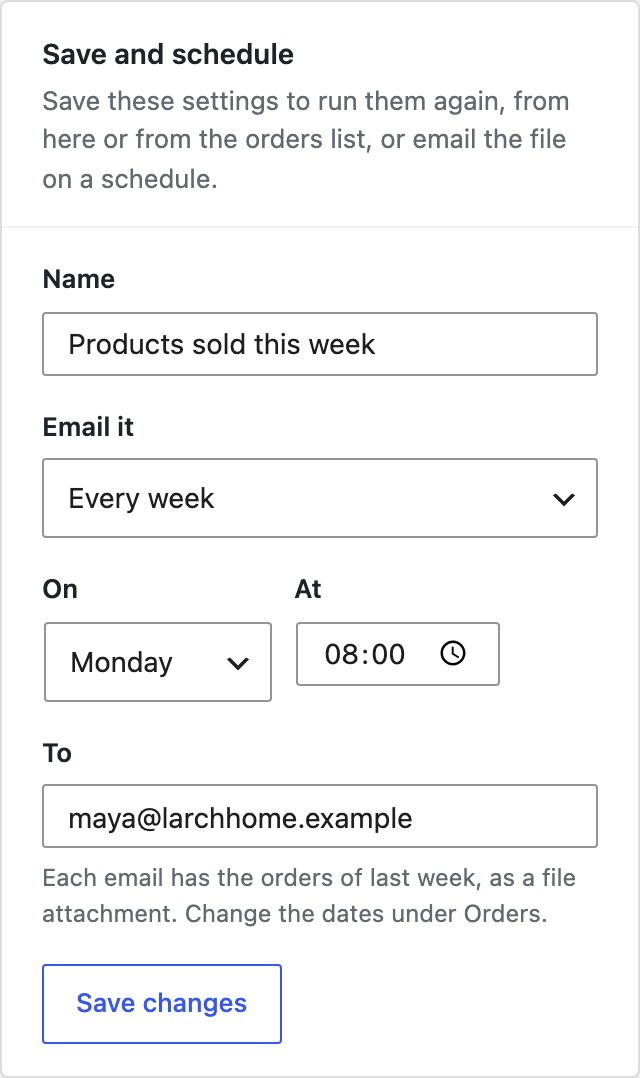
Give an export a name in Save and schedule and click Save export. Saved exports are listed on the Saved exports tab, where you can run them again, and in the Bulk actions menu of the orders list, to export only the orders you select.
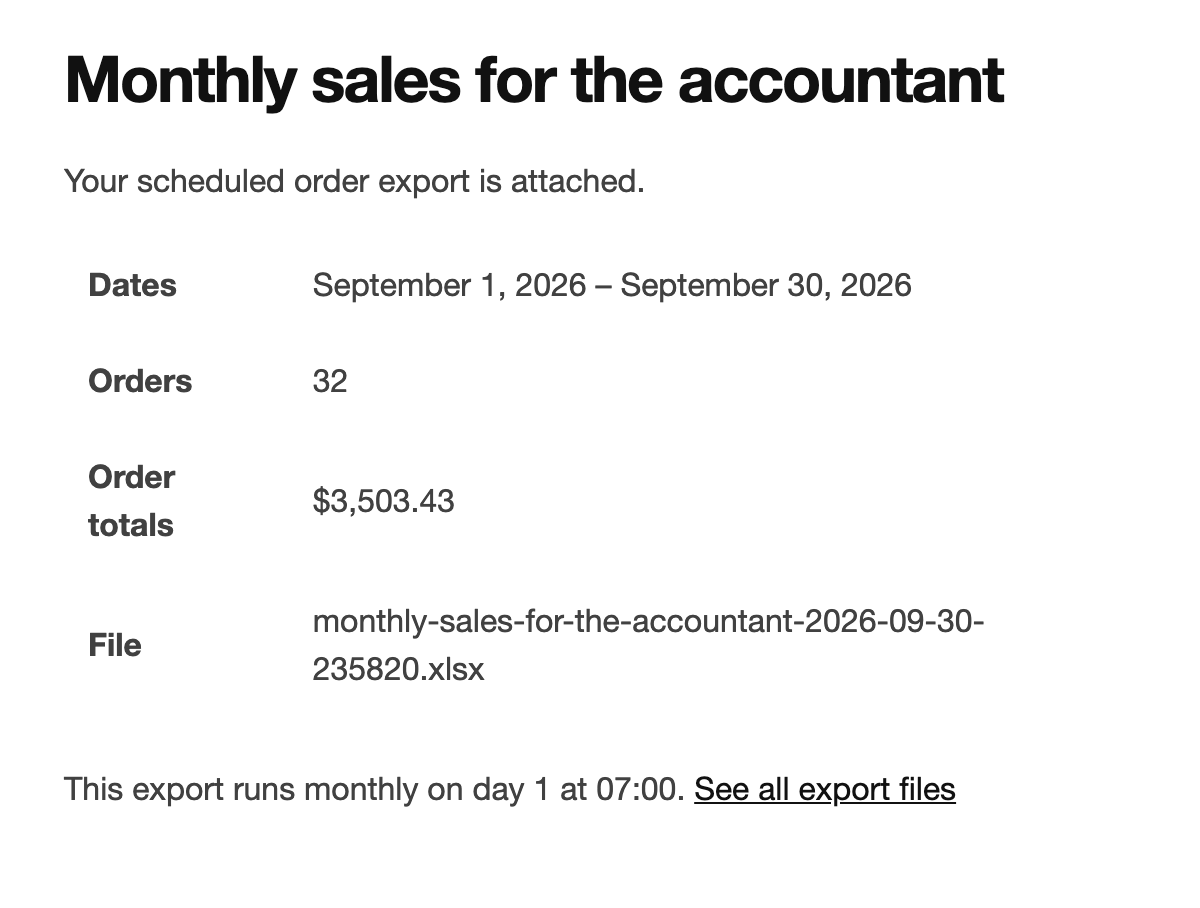
To email an export, choose Every day, Every week or Every month, the time, and the email addresses. The dates switch to yesterday, last week or last month; choose Since the last export so each email has exactly the orders since the one before.
Files
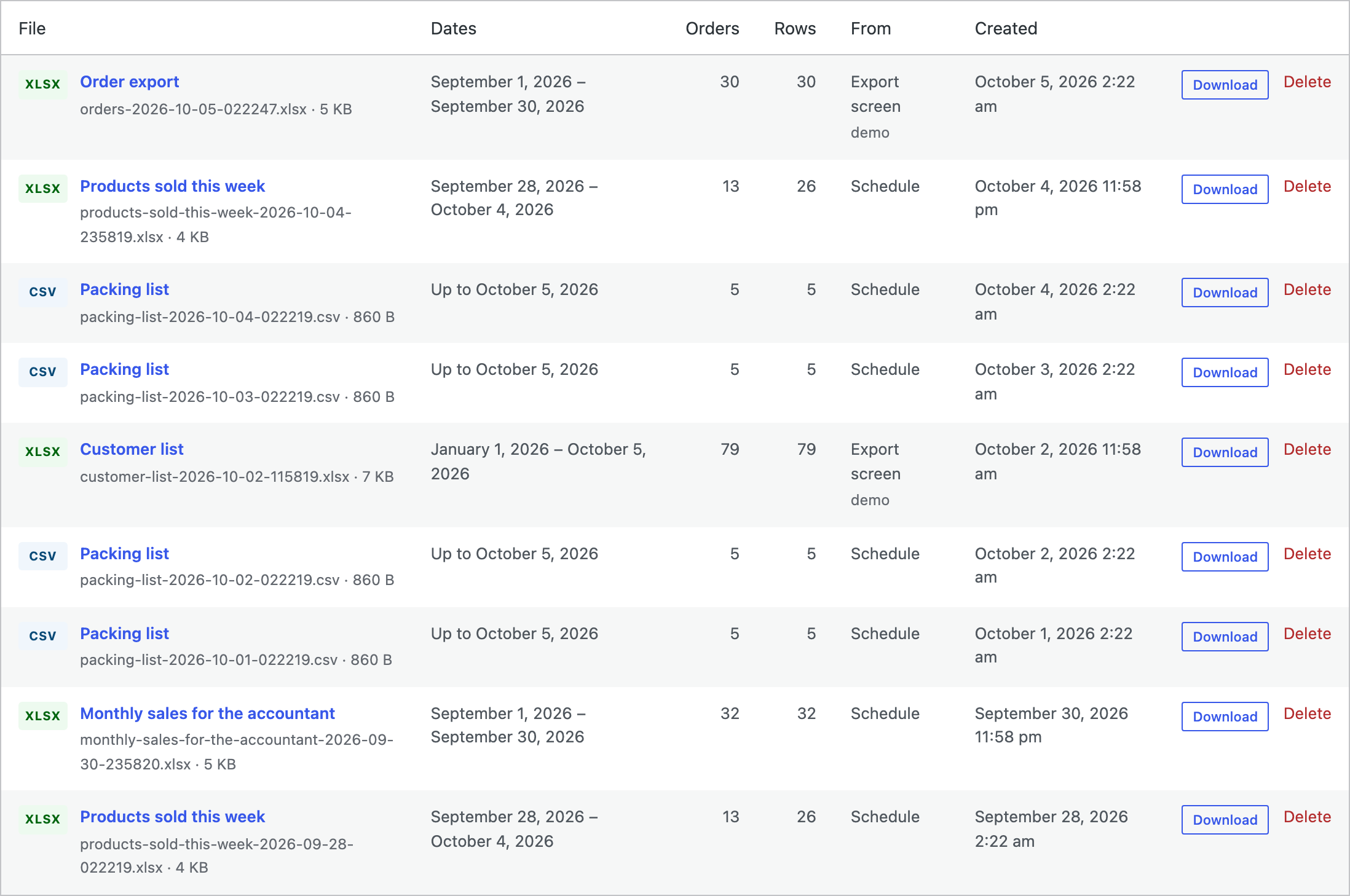
The Files tab lists recent exports from the export screen, the orders list and schedules, so you can download them again. Files are stored in a folder with a random name inside wp-content/uploads, can only be downloaded by users who can export orders, and are deleted after 30 days. Change the number of days on the Settings tab.
For developers
| Hook | Use |
|---|---|
oece_columns | Add columns, with a label, group, type and scope. |
oece_column_value | Fill or change a column’s value. |
oece_order_query_args | Change the order query of an export. |
oece_export_finished | Runs when a file is ready, for example to upload it elsewhere. |
oece_admin_capability | The capability needed to export orders. |
// A column with the order's packing weight.
add_filter( 'oece_columns', function ( $columns ) {
	$columns['packing_weight'] = array( 'label' => 'Packing weight', 'group' => 'order', 'type' => 'text', 'scope' => 'order' );
	return $columns;
} );
add_filter( 'oece_column_value', function ( $value, $key, $order ) {
	return 'packing_weight' === $key ? $order->get_meta( '_packing_weight' ) : $value;
}, 10, 3 );
Frequently asked questions
How many orders can I export?
As many as you have. Exports run in batches of 100 orders, so they don’t time out.
Do scheduled exports need a real cron job?
They run with WooCommerce’s scheduler, which runs when your site has visits. On quiet sites, a server cron job that calls wp-cron.php makes the time more exact.
Are refunds included?
Refunded orders are included when you choose the Refunded status. The Refunded and Total after refunds columns show partial refunds on any order.
Changelog
1.0.0 · October 5, 2026
- Export orders to Excel (.xlsx) or CSV by date range, date type and status.
- Column picker with more than 60 columns, custom fields, renaming, reordering and ready-made sets.
- One row per order or one row per product.
- Exports in batches with a progress bar.
- Saved exports, emailed every day, week or month with the file attached.
- Export selected orders from the orders list bulk actions.
- Files tab with downloads of recent exports.